Shared hosting
How to enable PHP for unusual extensions (htm, html)?
If your PHP code is in files with the .htm or .html extension, allow them to run as PHP in the site settings:
- Open "WWW" -> "WWW domains" -> your site.
- On the "Site" tab, in the "Extra PHP extensions" field, list the extensions separated by spaces, for example
htm html. - Save the changes.
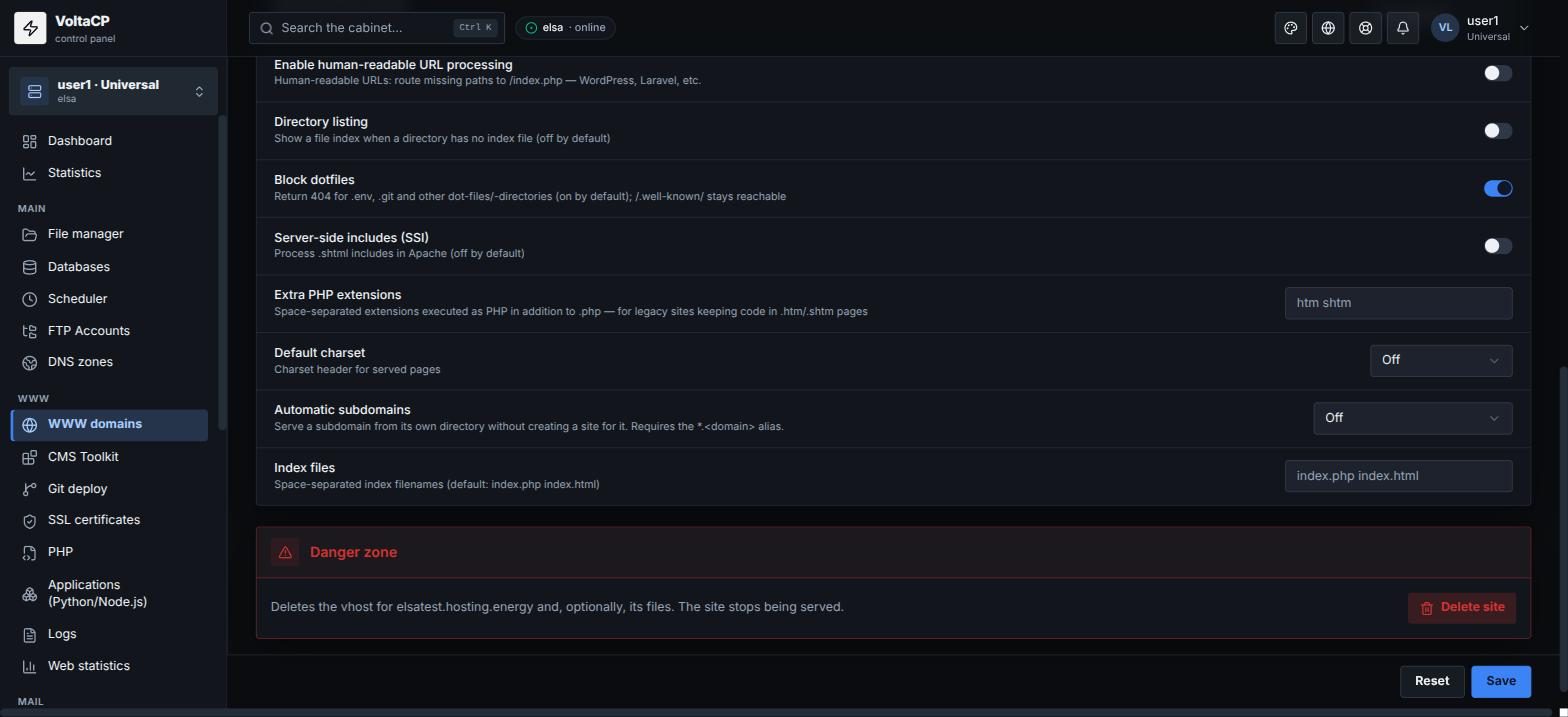
After that, files with these extensions run as PHP. For .shtml and SSI, use the "Server-side includes (SSI)" and "Extra SSI extensions" fields.