Shared hosting
How to log in to the VoltaCP hosting control panel?
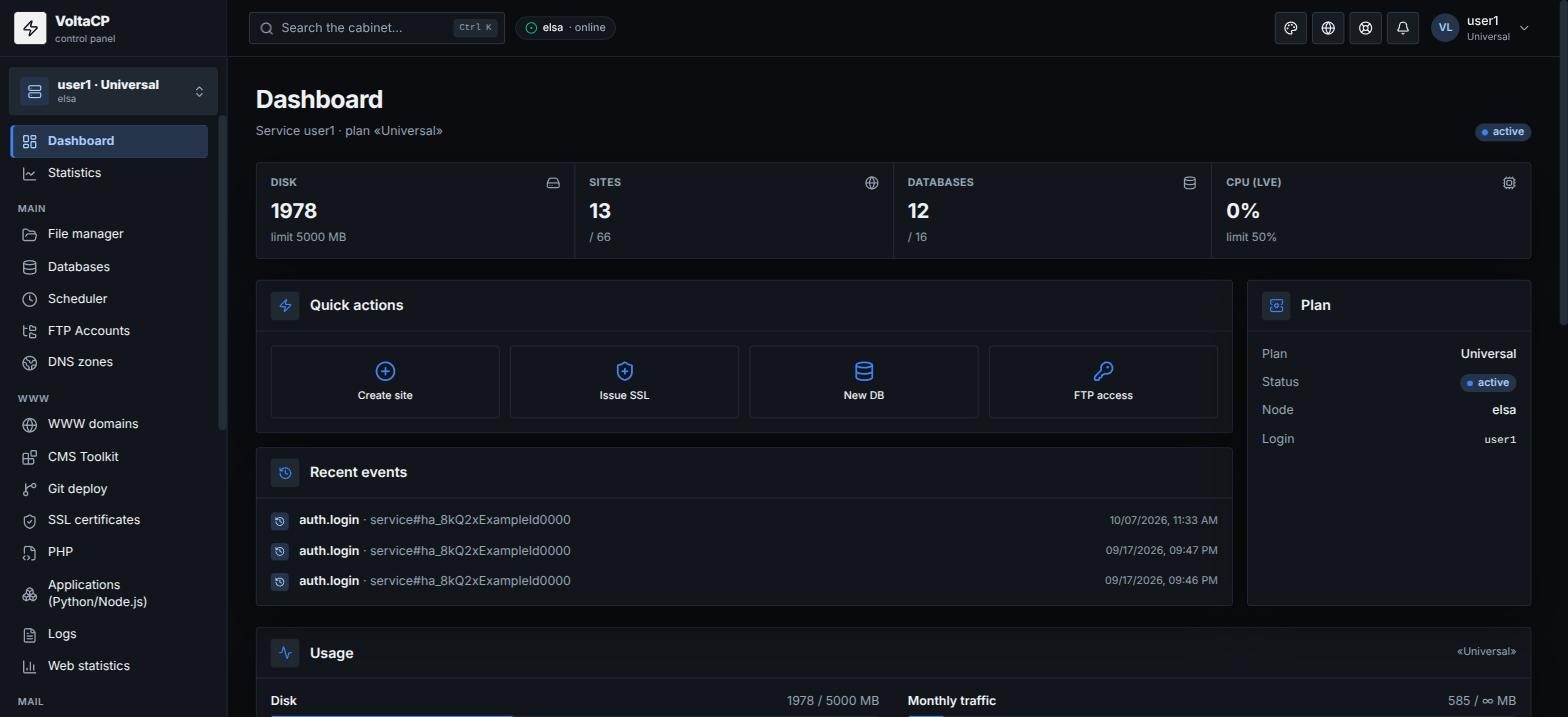
The VoltaCP control panel is where you work with your sites, mail and files. There are two ways to log in to it.
From billing (recommended)
- Log in to billing at https://my.hosting.energy.
- Open "Products/Services" -> "Shared hosting".
- Select the service and click "Go to".
The panel opens in a new window and logs you in automatically. You do not need to enter a password. The "Go to" button is available only for an active service. If the service is suspended, top up your balance.
Directly with login and password
- Open https://shared.hosting.energy.
- Enter the hosting account login (or email) and the hosting account password.
- Click "Sign in".
The hosting account login is in the service activation email and in the panel: "Settings" -> "Service settings". The same login and password work for the panel, SSH and SFTP.
If you have several hosting accounts
Each login opens one service. To work with another hosting account, log in to it separately (with "Go to" on that service in billing, or with its login and password).
Forgot your password
See "How to recover the control panel password?".