Shared hosting
How to move a site to Hosting.Energy?
Moving a site has three parts: files, the database and the domain. Below is the order of steps: the domain is switched at the very end, after the site has been checked on the new hosting.
- Create a site in the panel: "WWW" -> "WWW domains" -> "Create site".
- Upload the site files to the
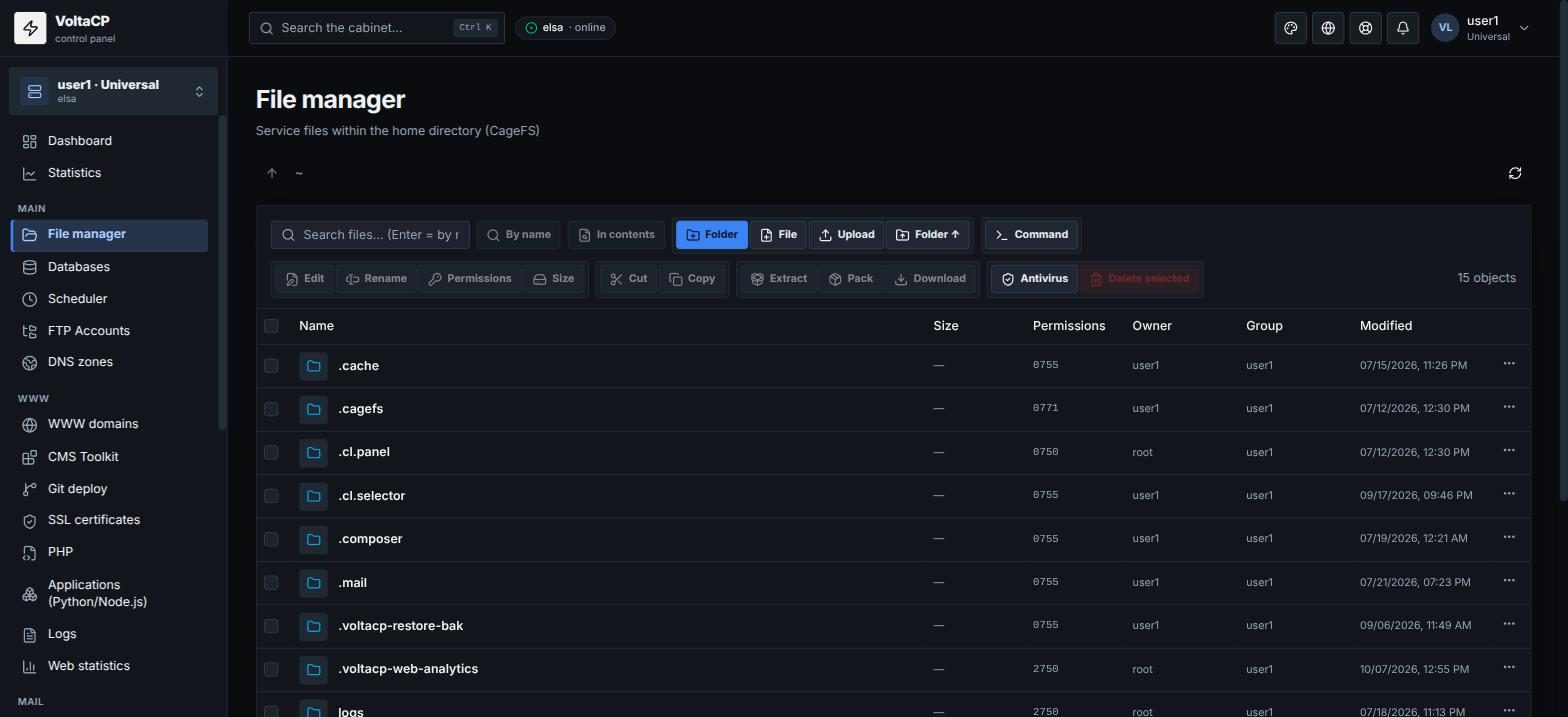
www/<domain>directory via FTP/SFTP or "File manager" (you can upload an archive and unpack it with the "Extract" button). - Export the database on the old hosting.
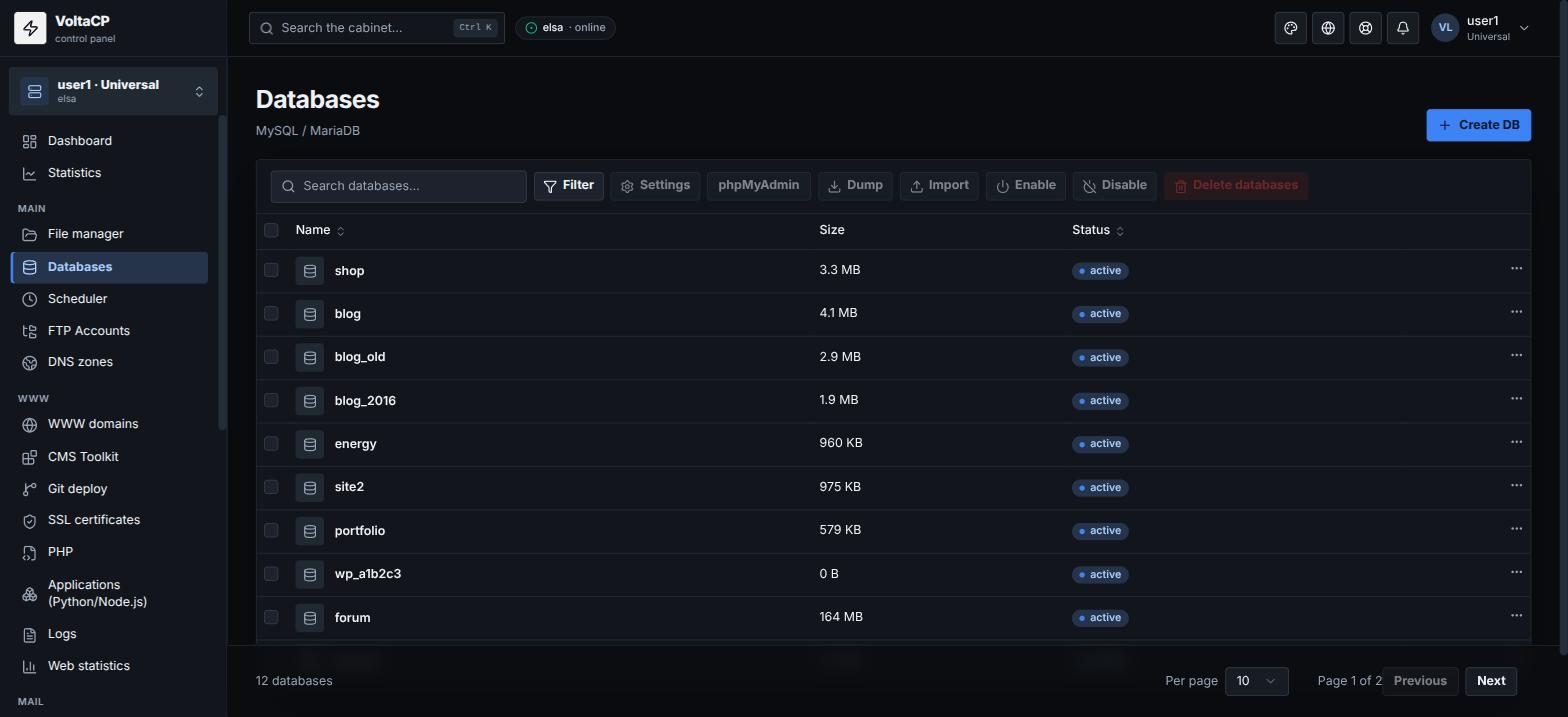
- Create a database on our hosting ("Databases" -> "Create DB"). For convenience, use the same database name, user and password as on the old hosting.
- Import the dump: "Databases" -> select the database -> "Import".
- Check the database connection settings in the site config. The MySQL host is
localhost. - Check the site before switching the domain, using the hosts file (see "DNS has not updated yet. How to access the site?").
- Move the domain to our NS (see "How to connect a domain to hosting (our NS)").
- Issue an SSL certificate.
After the move, you can connect WordPress to "CMS Toolkit" with the "Adopt existing" button.
If you have problems with the move, contact technical support.