Shared hosting
How to open phpMyAdmin?
You open phpMyAdmin right from the control panel:
- Open "Main" -> "Databases".
- Select the database.
- Click "phpMyAdmin".
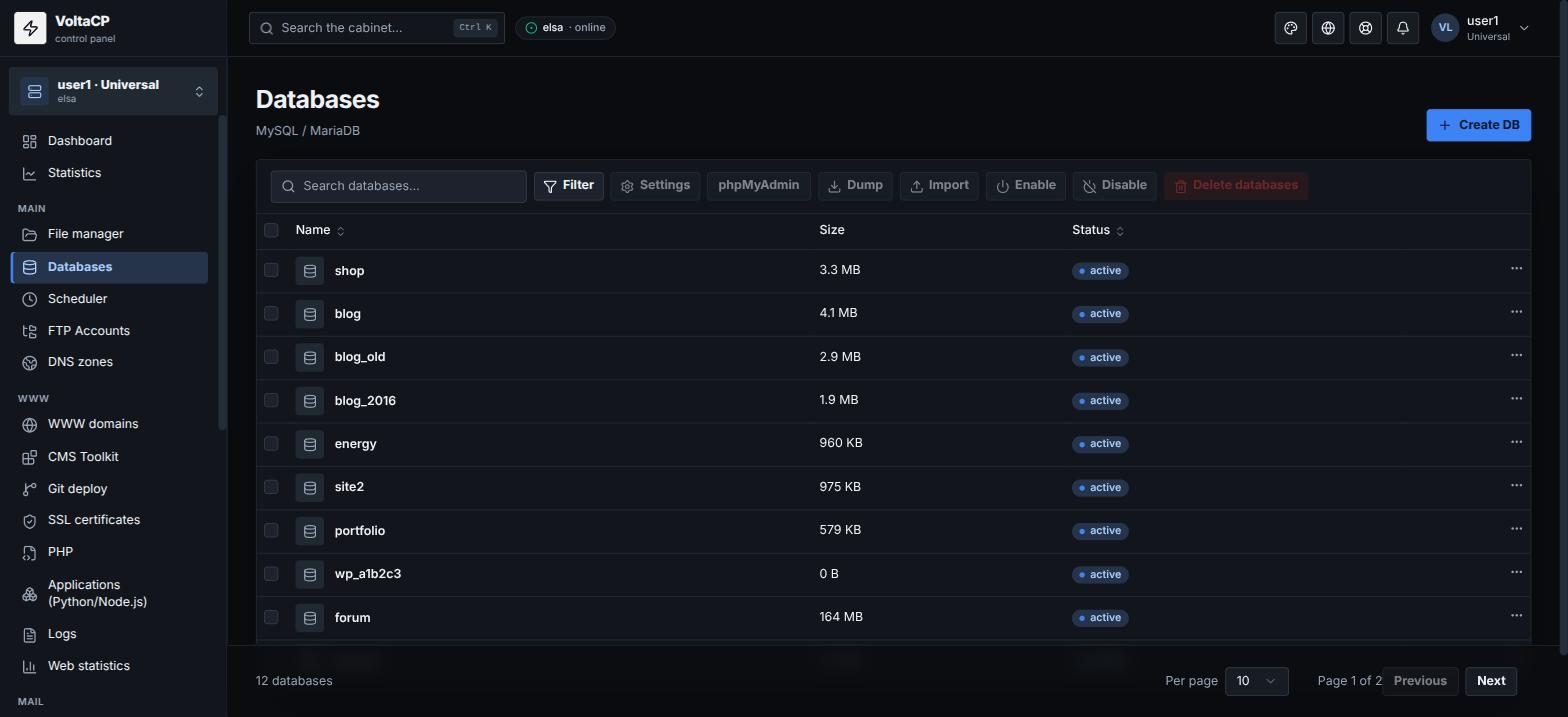
phpMyAdmin opens in a new tab, and you are logged in automatically.
If the phpMyAdmin login form appears, enter the database user name and password. If you do not know the password, set a new one: database -> "Users" section -> "Change password". After the password change, automatic login works again.