Shared hosting
How to open the mail web interface (Webmail)?
You can open the mail web interface from the control panel or directly by its address.
From the control panel
- Open "Mail" -> "Mailboxes".
- Select the mailbox and click "Open Webmail".
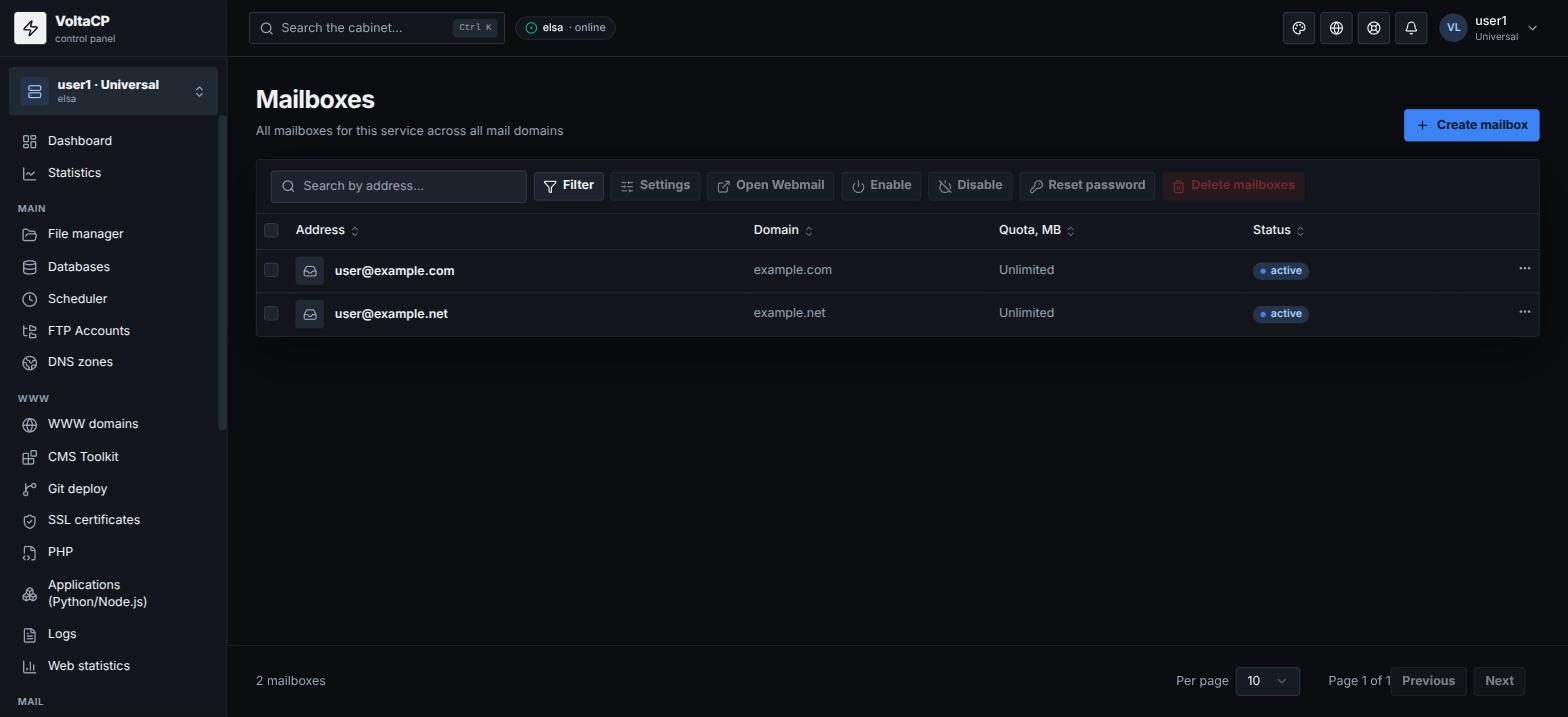
Webmail (Roundcube) opens in a new tab and logs you in automatically. If a login form appears, enter the full mailbox address and its password.
Directly
Webmail address: https://elsa.hosting.energy:8025
To log in, use the full mailbox address (for example user@example.com) and the mailbox password. Forgot the password? Reset it in the panel: mailbox -> "Reset password".
The old address like http://yoursite.com/roundcube is no longer used.
If incoming mail is not accepted
A common cause is a full mailbox quota. Delete unneeded messages or increase the quota: mailbox -> "Settings" -> "Storage quota".