Shared hosting
How to connect to the MySQL server remotely?
By default, database users can connect only from the server itself (localhost). To connect from your computer or another server, allow remote access.
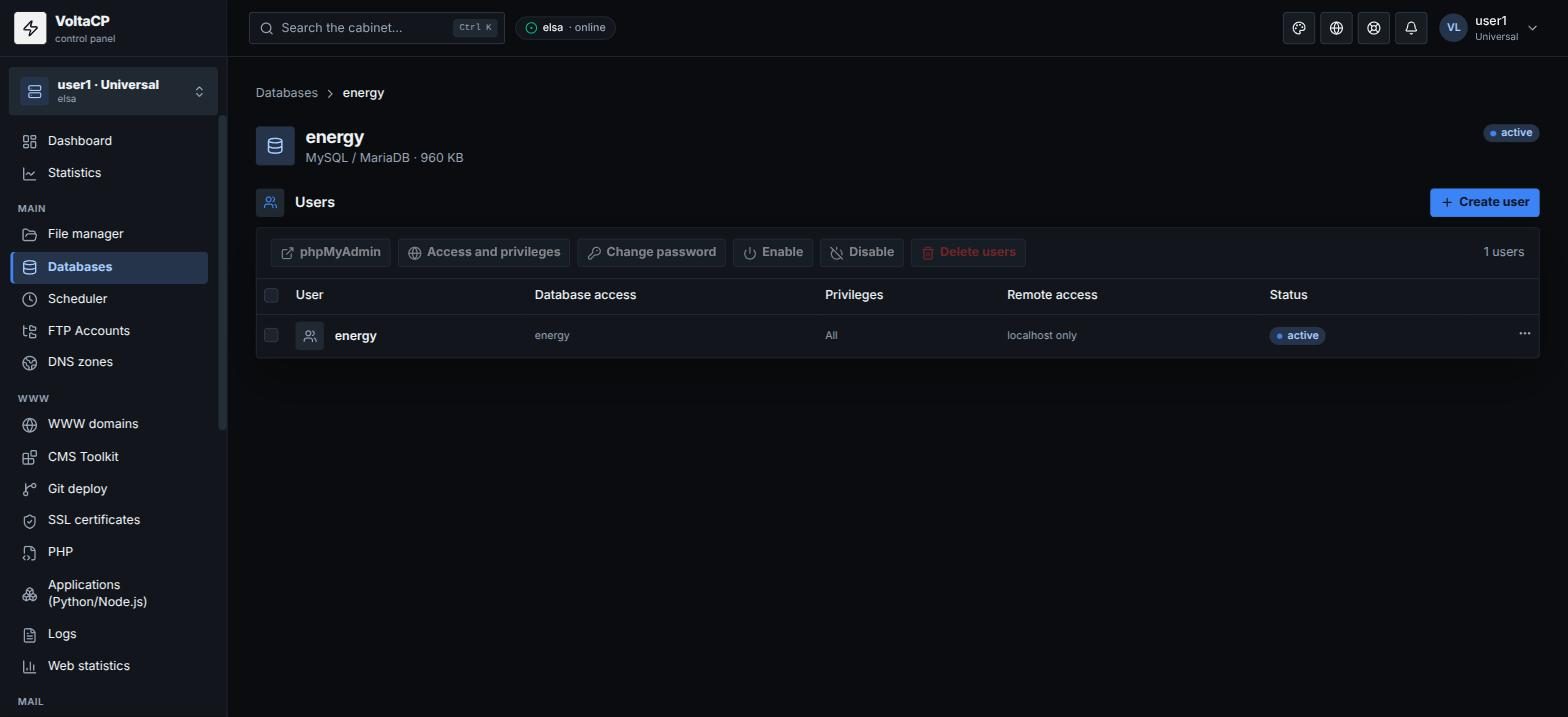
- Open "Main" -> "Databases" and click the database.
- In the "Users" section, open the settings of the user you need (or create a new one with "Create user").
- In the "Remote access" block, add the addresses allowed to connect:
- a specific IPv4, for example
203.0.113.10; - a mask, for example
192.168.1.%; %- any address (not recommended).
- a specific IPv4, for example
- Save.
Connecting from the command line:
mysql -h elsa.hosting.energy -u USER -p DB_NAME
Instead of elsa.hosting.energy you can use your site's domain if it points to our server. The port is the standard 3306.
Allow access only from the IPs you need: access open to everyone increases the risk of password guessing.