Shared hosting
Error 500 Internal Server Error
Error 500 appears when the server cannot run the site's PHP code or .htaccess rules because they contain errors. To fix it, first find out the exact cause.
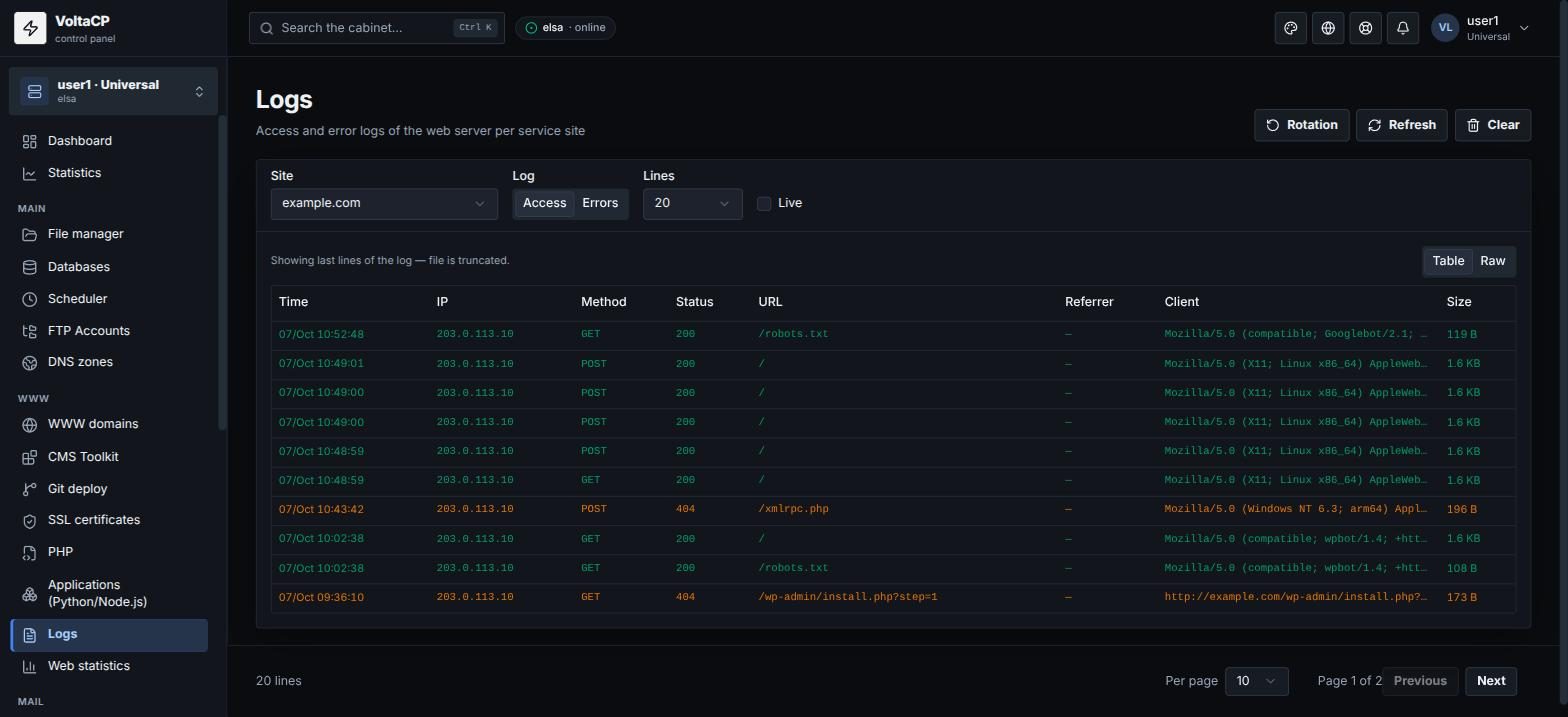
Where to find the cause: "WWW" -> "Logs" -> select the site -> the "Errors" tab. Log files are also in the logs directory.
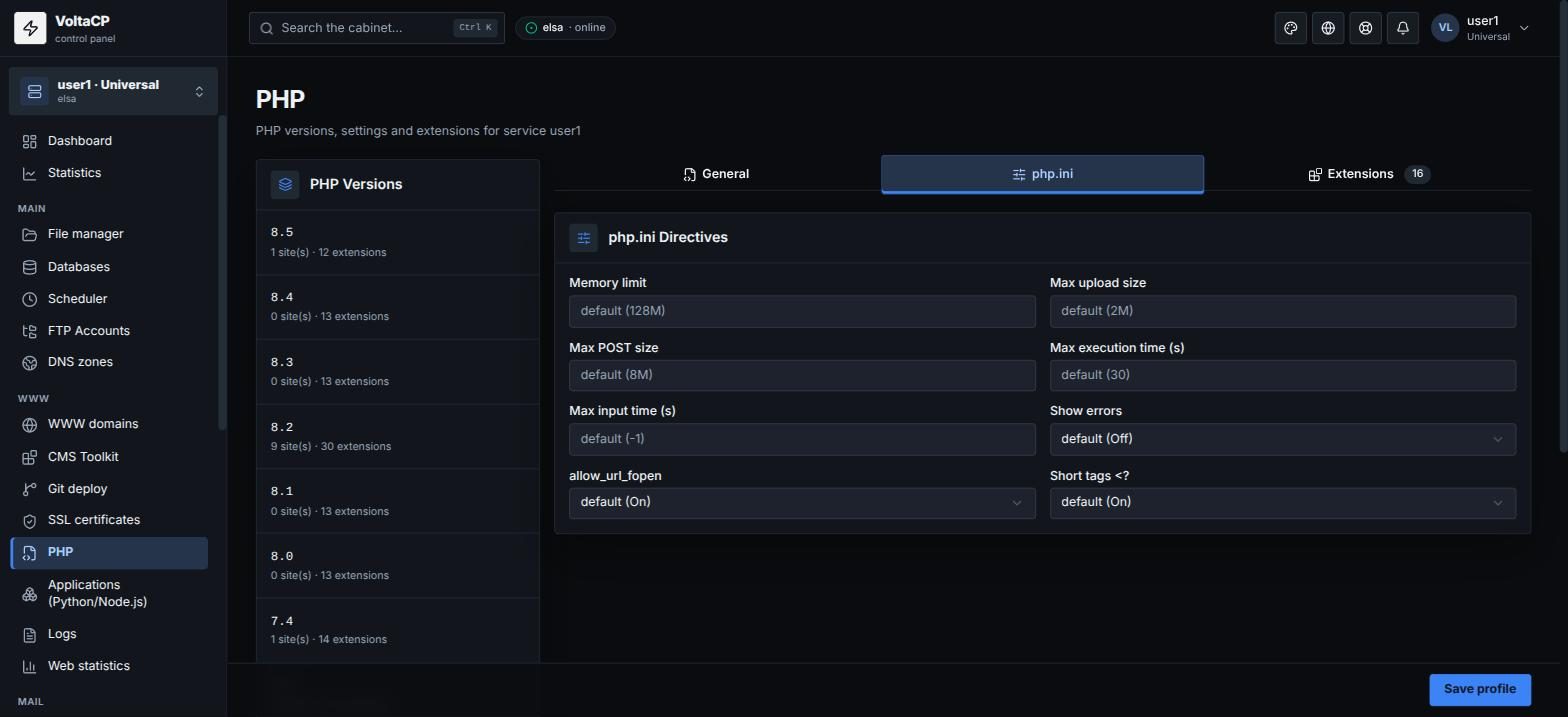
To show errors on the site's pages for a while, turn on "Show errors" in "WWW" -> "PHP" -> the site's version -> the "php.ini" tab:
Or add this line to the site's .htaccess:
php_flag display_errors on
When you finish debugging, turn error display off.