Shared hosting
Character encoding problems on a site
The hosting uses UTF-8 by default. If your site is made in another encoding (often Windows-1251), text may show up as garbled characters.
To find your site's encoding, open a page in the browser, choose "View page source" and look for the charset parameter.
How to fix it:
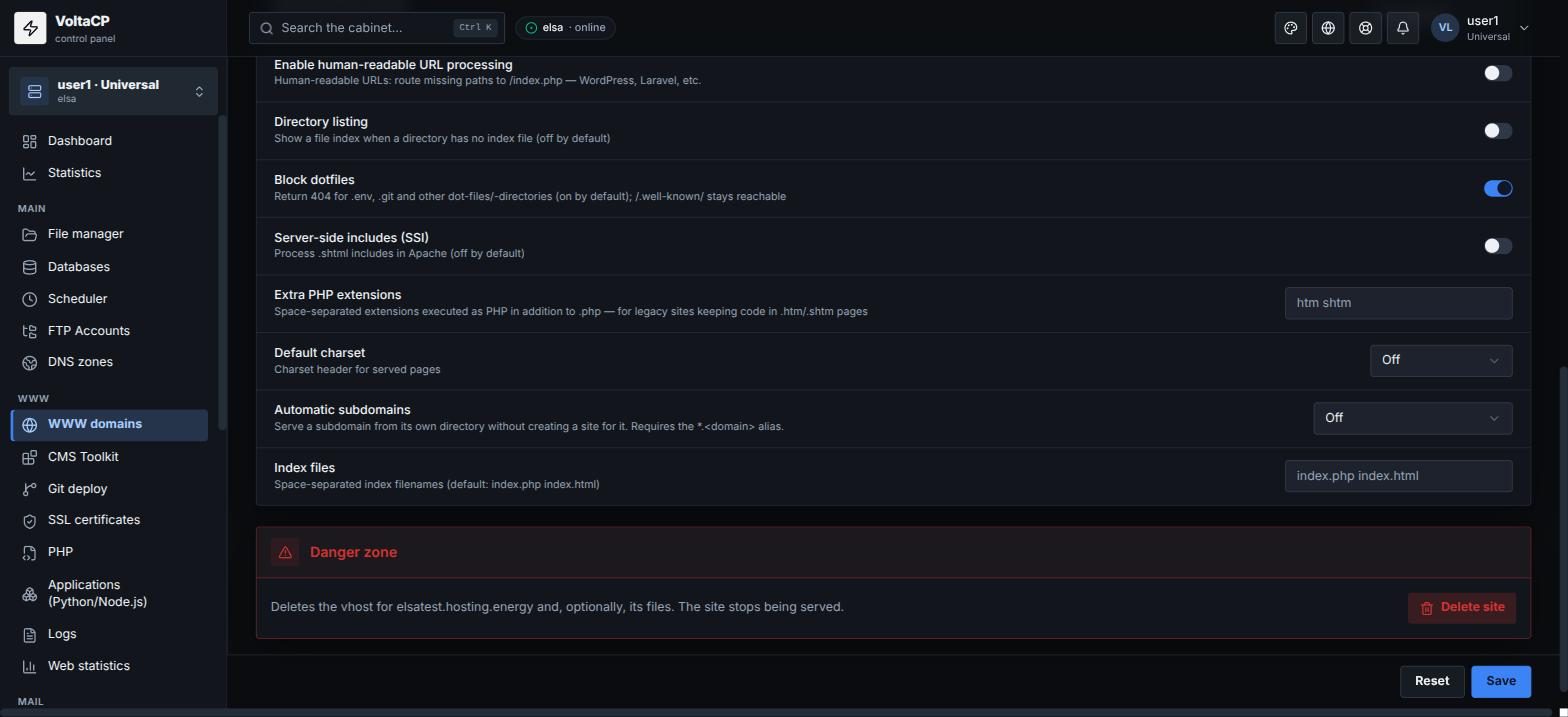
- Open "WWW" -> "WWW domains" -> site.
- On the "Site" tab, in "Default charset", choose the site's encoding (for example windows-1251) or "From the page's <meta> (legacy)".
- Save the changes.
If data from the database is displayed incorrectly, check the database encoding and the connection encoding in your CMS settings.