Events, logins and notifications in the panel
The panel has three logs: "Events", "Logins" and "Notifications". They show what was done on the service and when, who logged in to the panel, and how an operation ended. All three logs are in the "Log" menu group.
How to view your action history
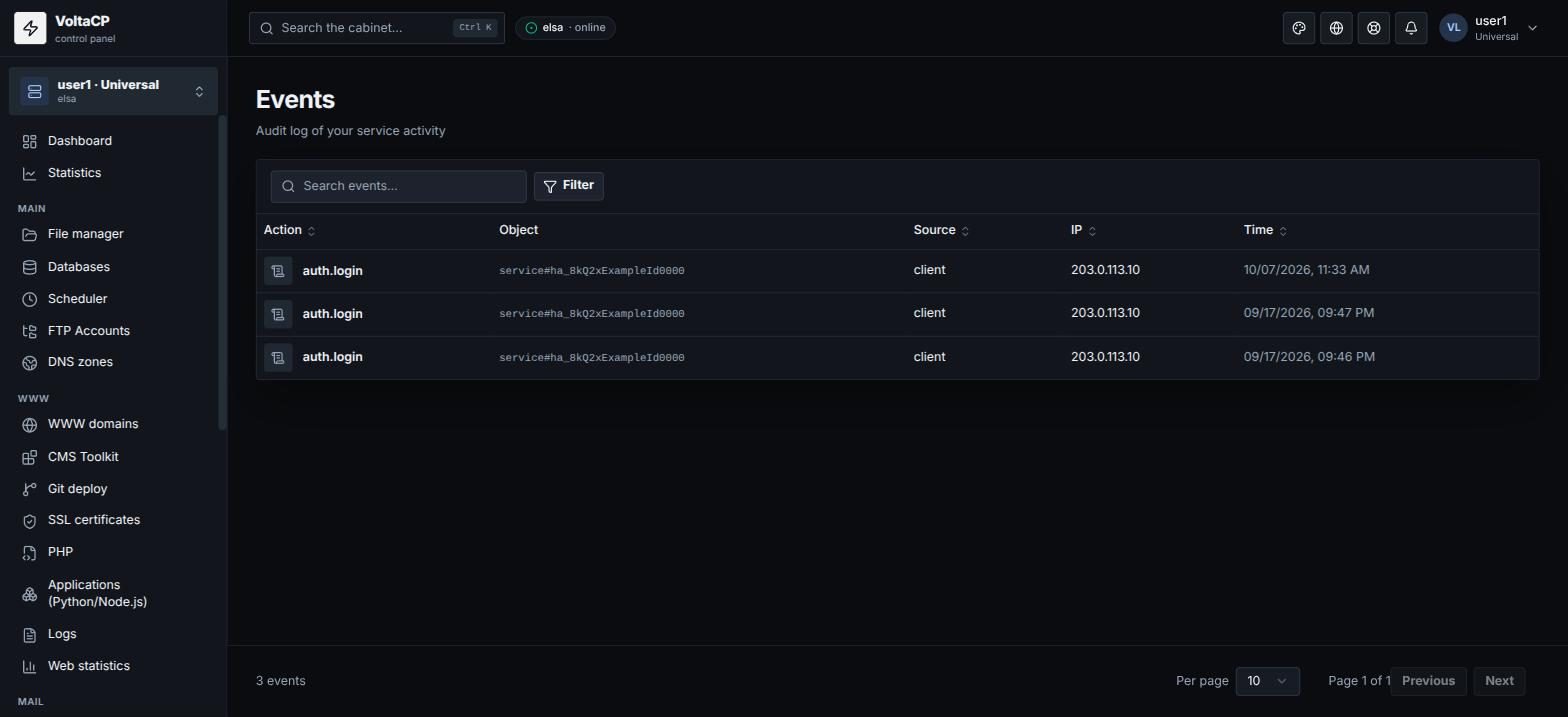
Open "Log" -> "Events". It is the log of your actions on the service (creating sites, databases, mailboxes and so on).
How to check who logged in to the panel
Open "Log" -> "Logins". It shows the history of logins to the control panel. If you see logins you do not recognize, change your password ("Service settings").
How to see the result of an operation
Many operations in the panel run in the background: after you click a button, wait for a notification with the result. New notifications appear under the bell in the top bar. Operation results (for example, certificate issuance, restore from a backup) are collected in "Log" -> "Notifications".