What to do if your site is infected or hacked?
If your site is infected or hacked, it is important not only to get it working again but also to find the cause, otherwise the hack may happen again. Below are the steps to take, ways to check the site and measures that lower the risk.
How to restore a site after a hack
- Close access to the site: "WWW domains" -> site -> turn off the "Site enabled" switch.
- Find the cause of the hack (see "How to check the site" below).
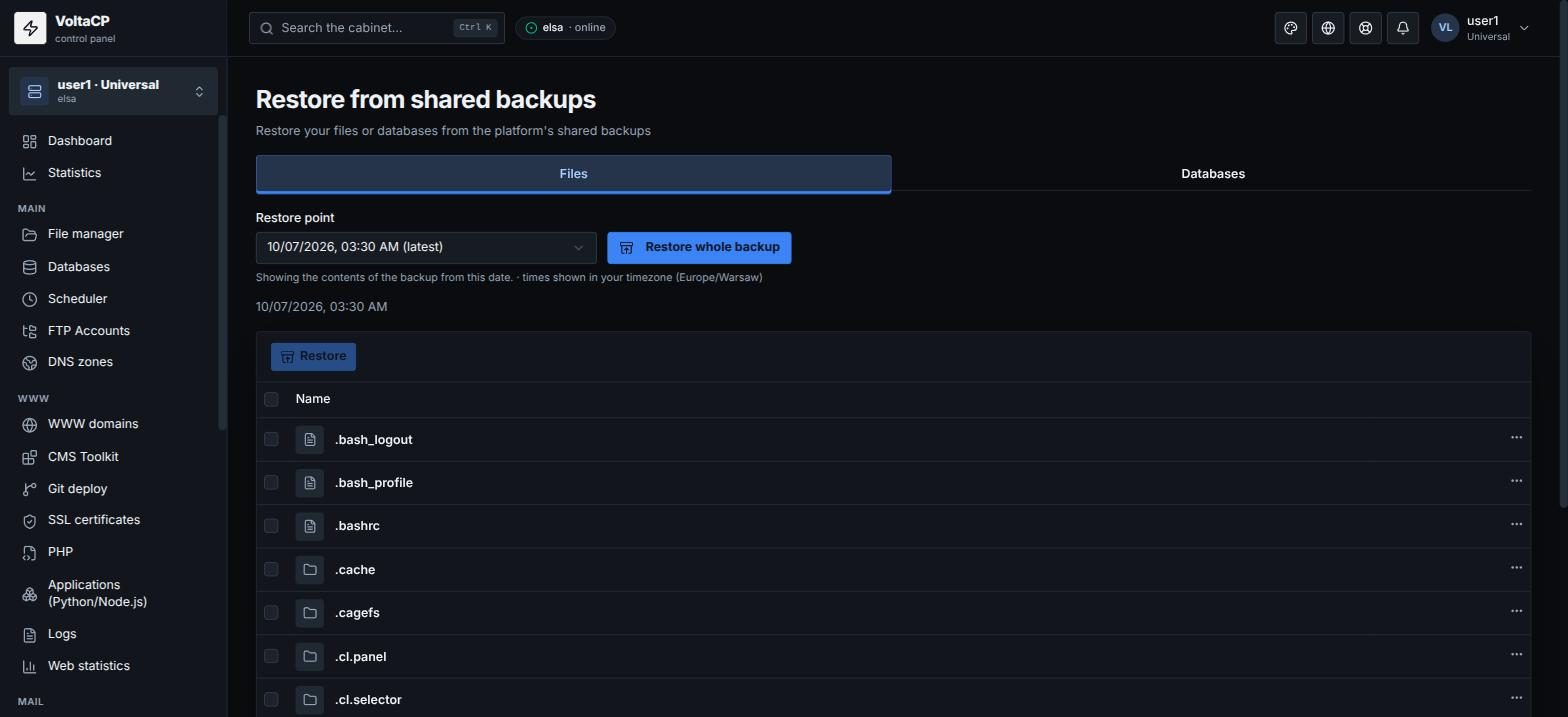
- Restore the site from a backup made before the hack: "Tools" -> "Restore from shared backups".
- Update the CMS and the vulnerable component.
- Turn the site back on.
How to check the site
These steps help you find out how the attacker got in and shut that door:
- Change the passwords of site admins, the hosting account, FTP accounts and database users.
- Scan your own computer for viruses.
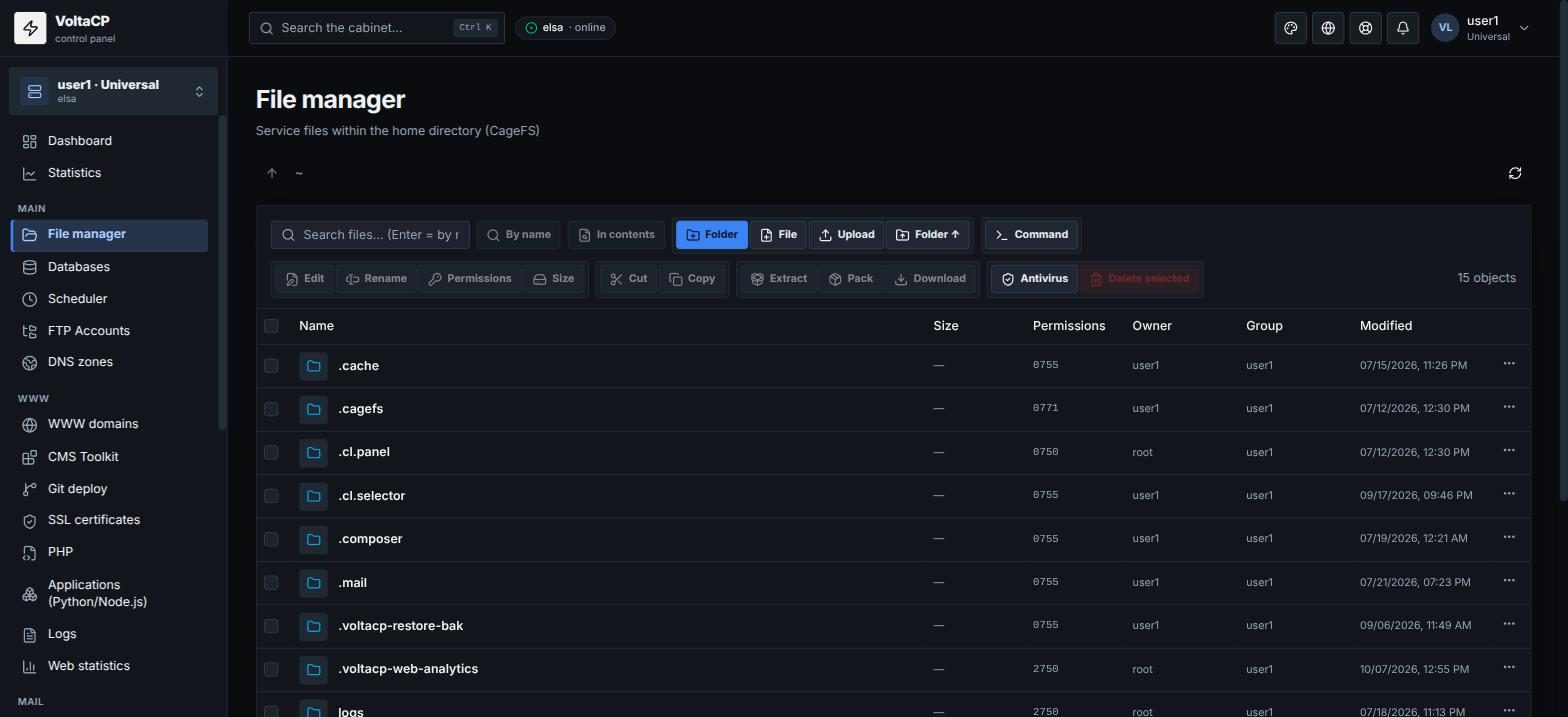
- Check the site files: open "File manager", select the site directory and click "Antivirus". The report shows the malicious files found.
- Check directories where file uploads are allowed (
uploads,images,cache,tmpand so on) for unknown files. - Check the access log ("Logs" -> "Access") for suspicious requests.
- Check "Log" -> "Logins" for unknown logins to the panel.
- Download a site backup to your computer and scan it with an antivirus.
AI-Bolit can also help. It finds viruses, redirects to other sites, doorways, link exchange code, world-writable directories and more.
After the scan, the script lists suspected malicious code. You can check it and remove it by hand by editing the site's source files.
How to lower the risk of a hack
Keep your CMS (WordPress, Joomla, DLE, etc.) and plugins up to date. Outdated versions are the most common cause of hacks.
For WordPress, turn on "Automatic core updates" and "One-click hardening" in "CMS Toolkit".