Technical issues
DNS has not updated yet. How do I open my site?
If the domain is not registered yet, DNS has not updated, or you want to test the site before switching, add the site to the hosts file on your computer. Until DNS updates, the site will open this way only for you.
- Find the site's IP: "WWW" -> "WWW domains" -> your site -> the "IP addresses" block.
- Open the hosts file as administrator:
- Windows:
C:\Windows\System32\drivers\etc\hosts - Linux, macOS:
/etc/hosts
- Windows:
- Add a line with your site's IP and your domain at the end of the file, for example:
217.182.203.80 example.com www.example.com
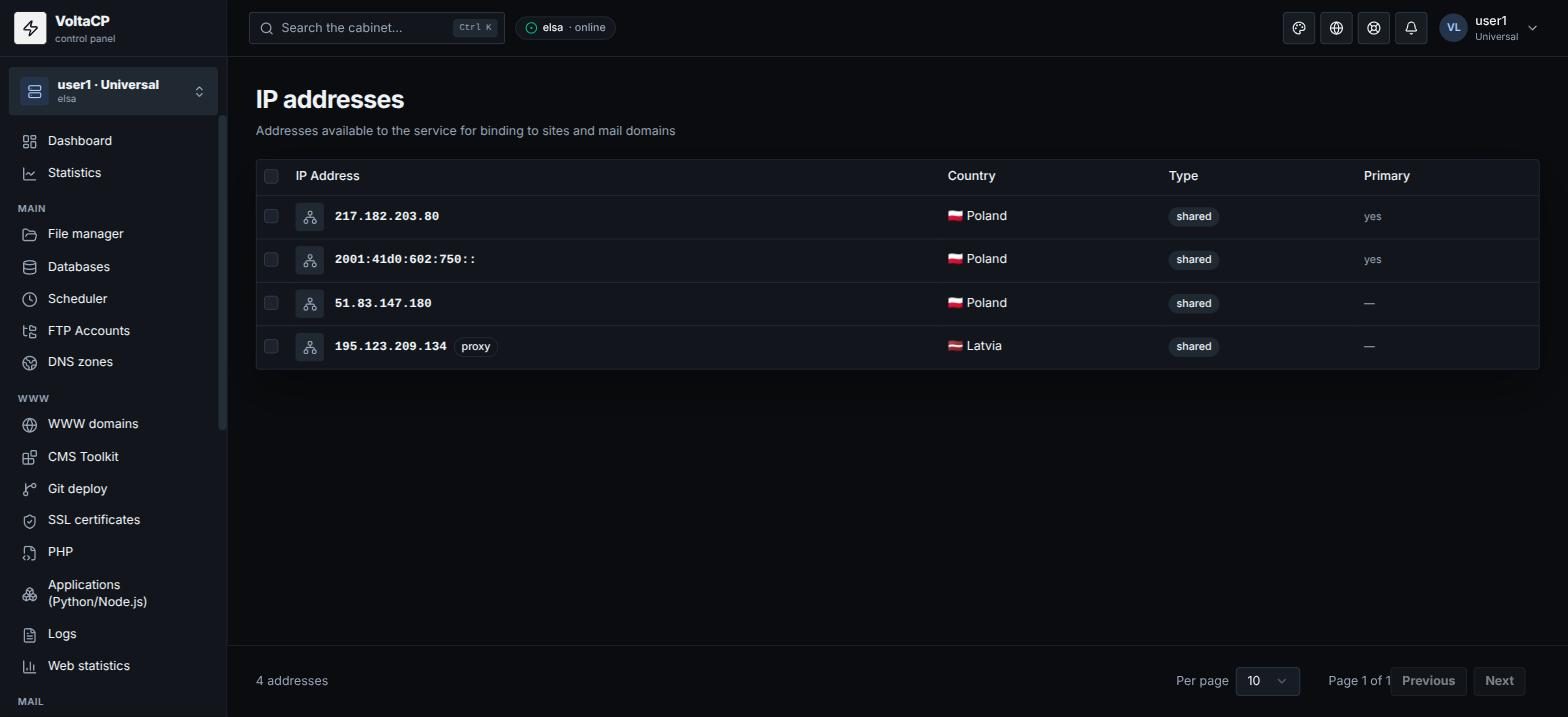
Once you save the file, the site will open on your computer from our server. When DNS updates, remove this line from hosts.
If the site needs SSL before the domain is switched, issue a certificate with "DNS-01" validation (with our NS). See the article "How to get a free Let's Encrypt SSL certificate?".