Shared hosting
API keys and connecting AI assistants (MCP)
You can manage your hosting not only in the panel, but also through the API or from AI assistants (Claude and other MCP clients).
How to create an API key
- Open "Settings" -> "API Keys & MCP".
- Click "Create key" and enter a name.
- Copy the token right away. It is shown only once.
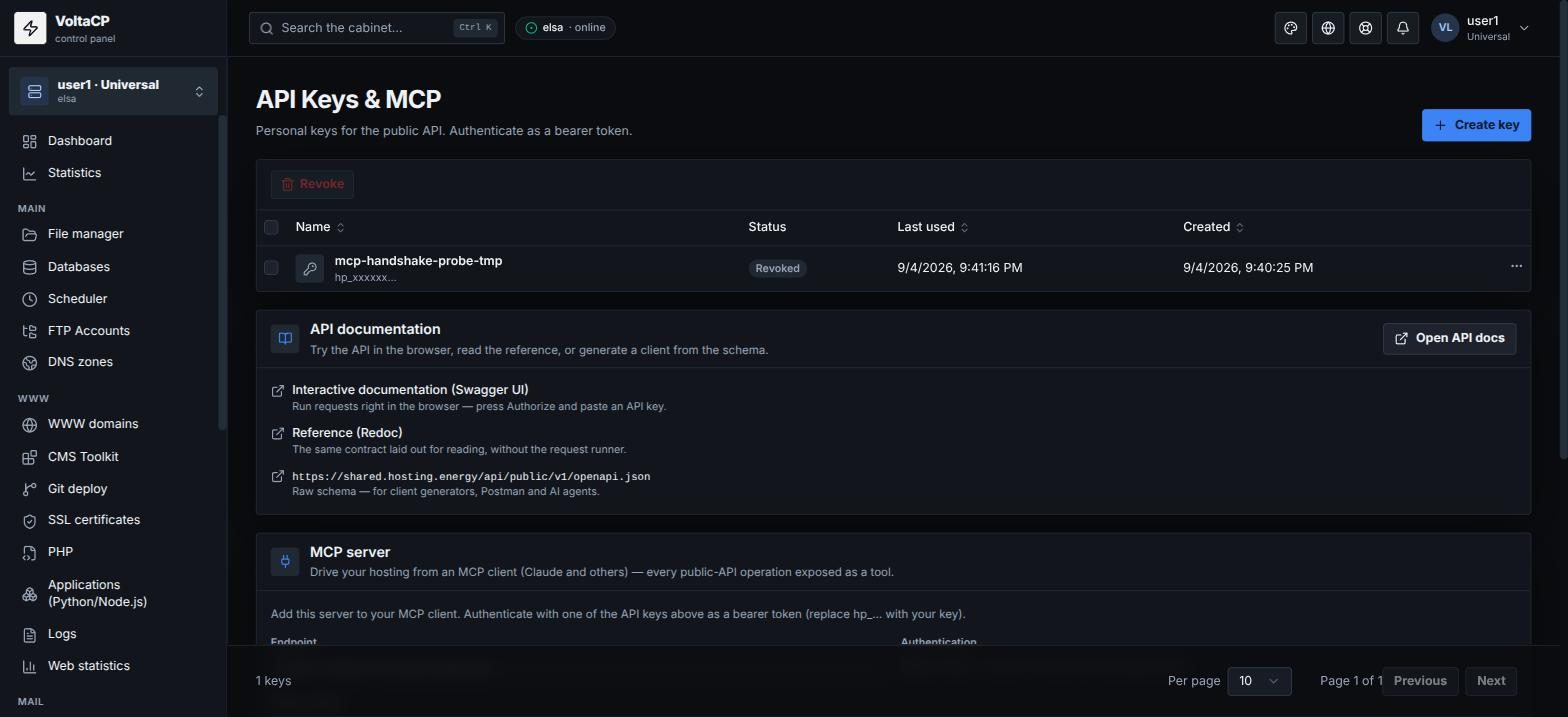
The key is sent as a bearer token. To remove a key you no longer need, click "Revoke".
Keep keys as safe as passwords: a key gives full access to manage the service.
How to connect an AI assistant (MCP)
- Create an API key (see above).
- On the "API Keys & MCP" page, in the "MCP server" block, take the server address and the ready config for your MCP client, or the command for Claude CLI.
- For authorization, use the API key as a bearer token.
API documentation
On the same page, in the "API documentation" block: interactive documentation (Swagger UI), reference (Redoc) and the OpenAPI schema.