Shared hosting
Service IP addresses
"Settings" -> "IP addresses" shows the IP addresses available to your service: the server's shared IP and dedicated IPs, if you ordered any.
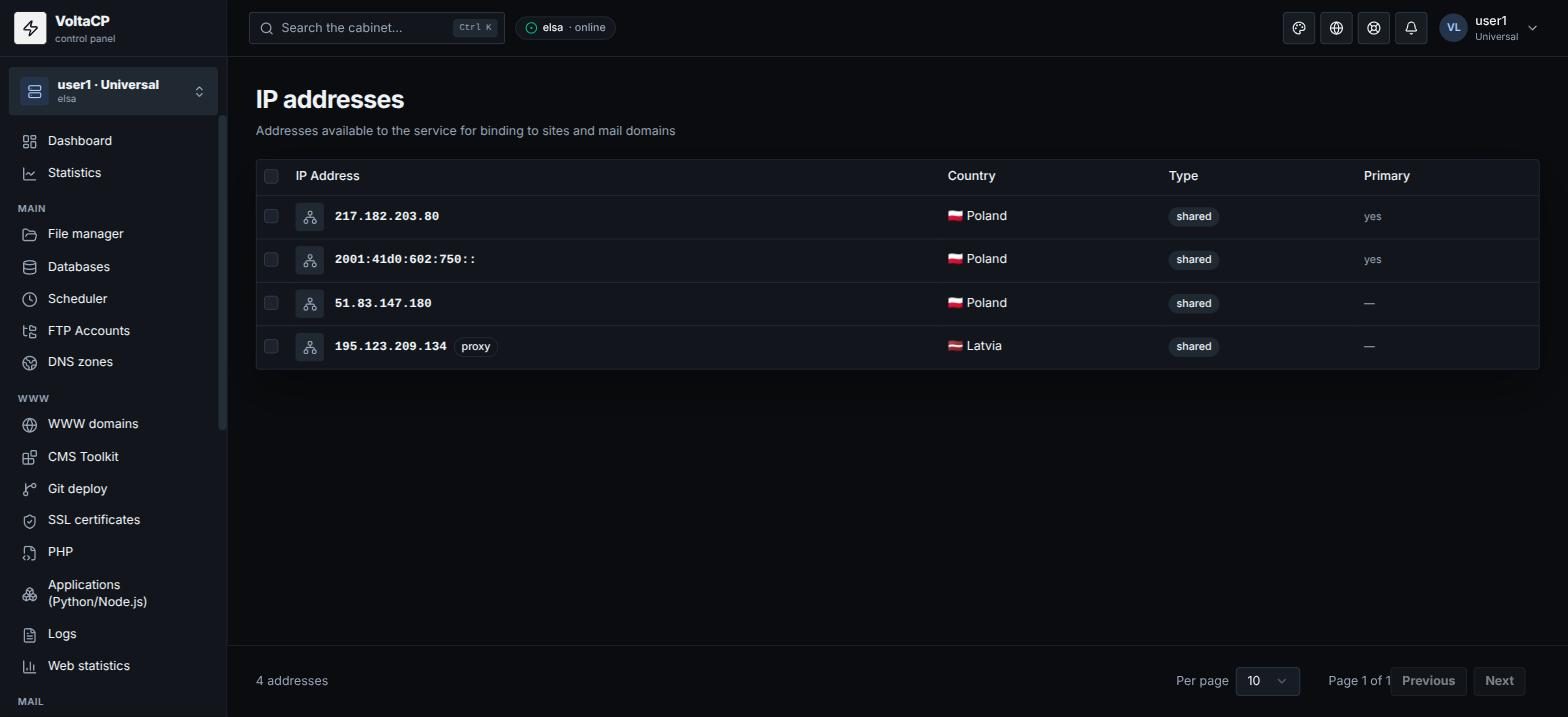
How to choose the IP for a site
- Open "WWW domains" and click the site.
- In the "IP addresses" block, select the site's addresses: at least one IPv4, IPv6 is optional.
How to move a site to a dedicated IP
- Order a dedicated IP in billing (see the articles "Dedicated IP address" and "How to buy more IPs, domains, databases, disk space, memory?").
- After ordering, select it in the site settings: "WWW domains" -> site -> "IP addresses" block.