Shared hosting
Site web statistics
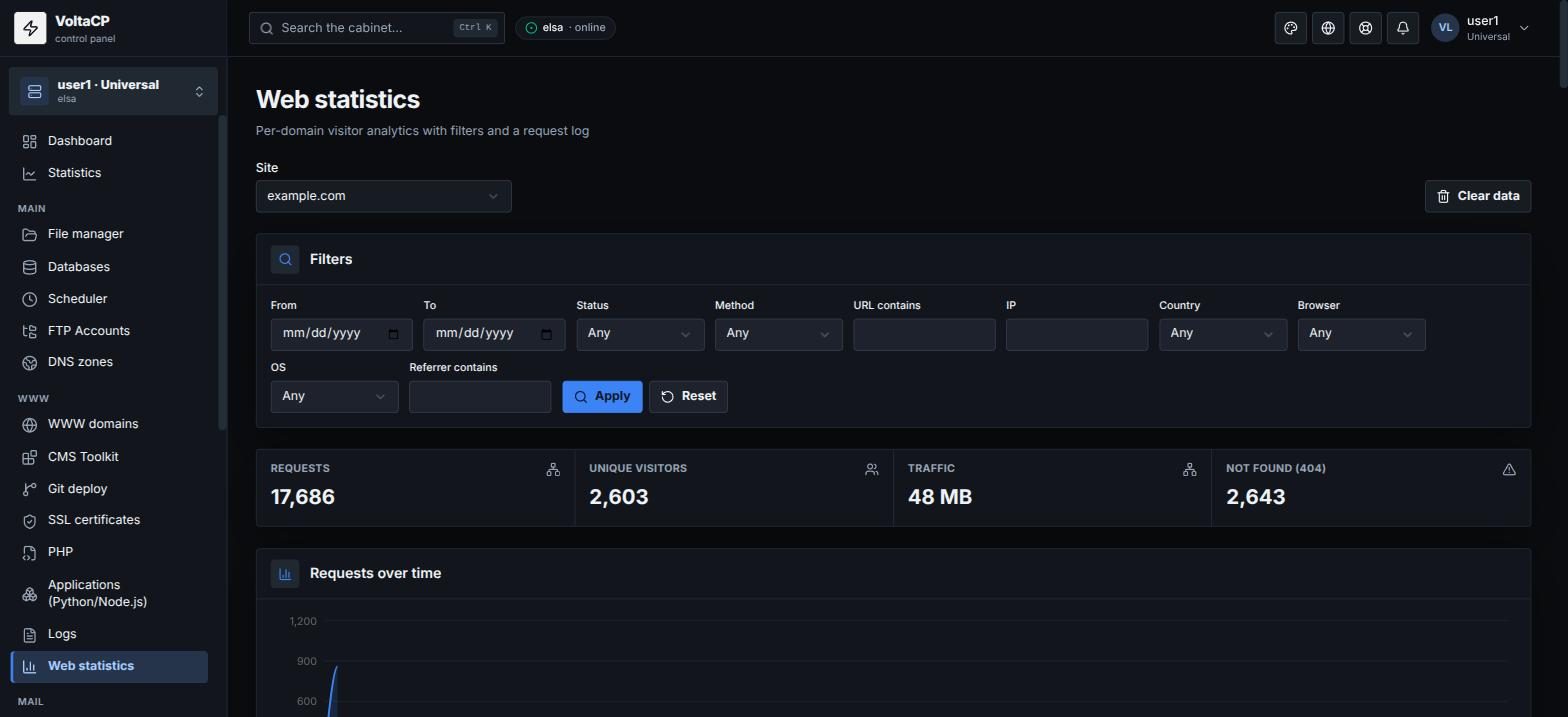
How to see your site traffic
- Open "WWW" -> "Web statistics".
- Choose the "Site".
At the top is a summary: requests, unique visitors, traffic, 404 errors. Below are the reports: top URLs, top IPs, status codes, countries, browsers, operating systems, referring sites, top 404 and the "Request log".
Statistics appear after the site gets its first traffic.
How to see statistics for a period
Open "Filters" and set the period ("From", "To"). You can also filter by status, method, URL, IP, country, browser, OS and referrer.
How to delete old data
Click "Clear data" and enter how many days to keep.