Shared hosting
How to recover the control panel password?
Hosting control panel password (VoltaCP)
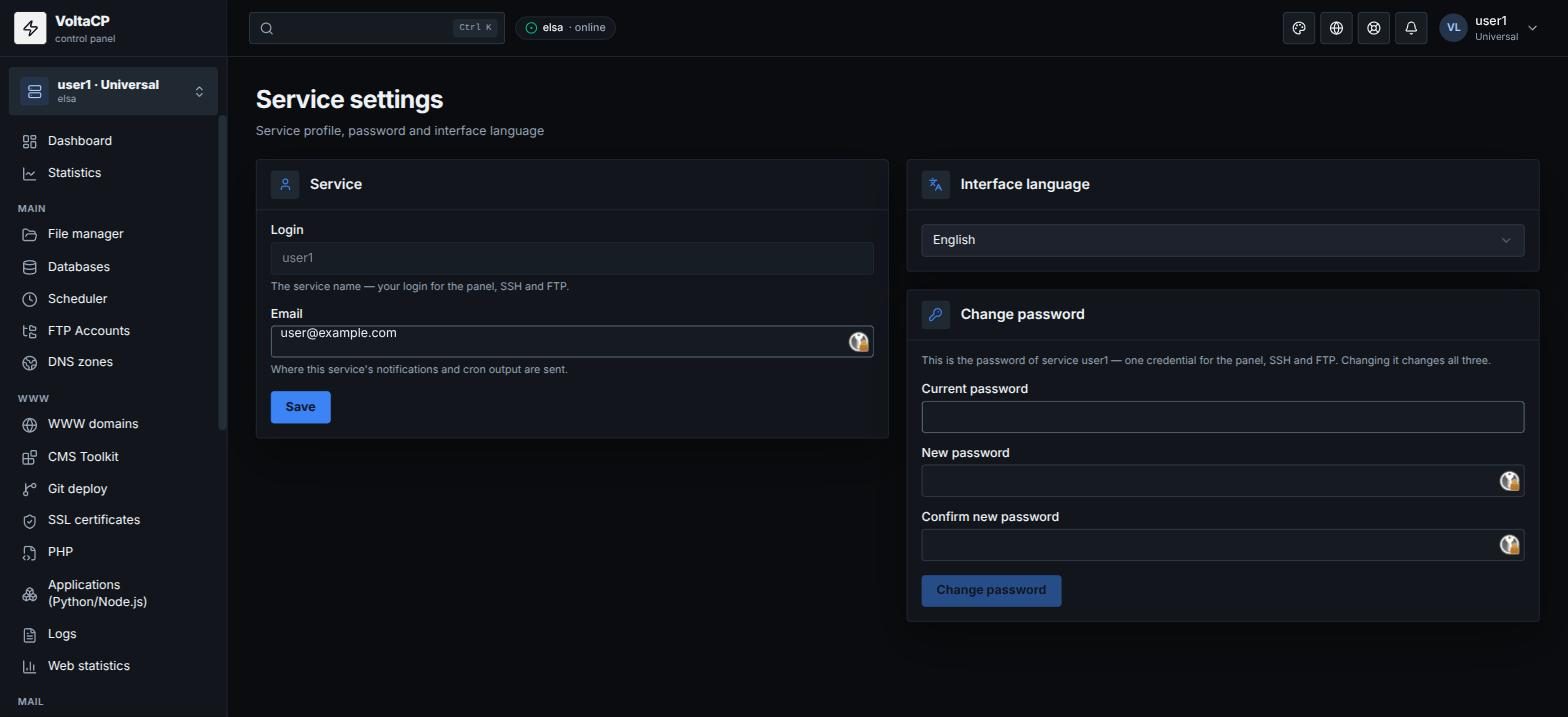
If you remember the current password, change it in the panel itself:
- Log in to the panel at https://shared.hosting.energy.
- Open "Settings" -> "Service settings", the "Change password" block.
- Enter the current password, the new password and the confirmation, then click "Change password".
If you forgot the password, set a new one in the billing panel:
- Log in to the billing panel at https://my.hosting.energy.
- Open "Products/Services" -> "Virtual hosting" and select the service.
- Click "Change password" and set a new hosting account password.
You can always enter the panel without a password from the billing panel: select the service and click "Go to". If you cannot change the password, contact technical support from the billing panel.
The hosting account password is the same for the panel, SSH and SFTP: after a change, use the new password everywhere.
Passwords of FTP accounts, mailboxes and database users are separate. You change them in the matching sections of the panel.
Billing password
The billing password can be recovered only with the recovery form on the login page https://my.hosting.energy:
- Click "Password recovery".
- Enter the email you used at registration and click "Ok".
- Follow the link in the email and set a new password.