Shared hosting
How to buy more IPs, domains, databases, disk space, memory?
You can change your base plan at any time and order extra resources: IP addresses, sites (WWW domains), databases, disk space, RAM, mail domains.
You can do this in the billing panel:
- Log in to billing at https://my.hosting.energy.
- Open "Products/Services" -> "Virtual hosting", select the service and click "Edit".
- Change the parameters with the slider or the number field on the right.
- Check the new price and click "Ok".
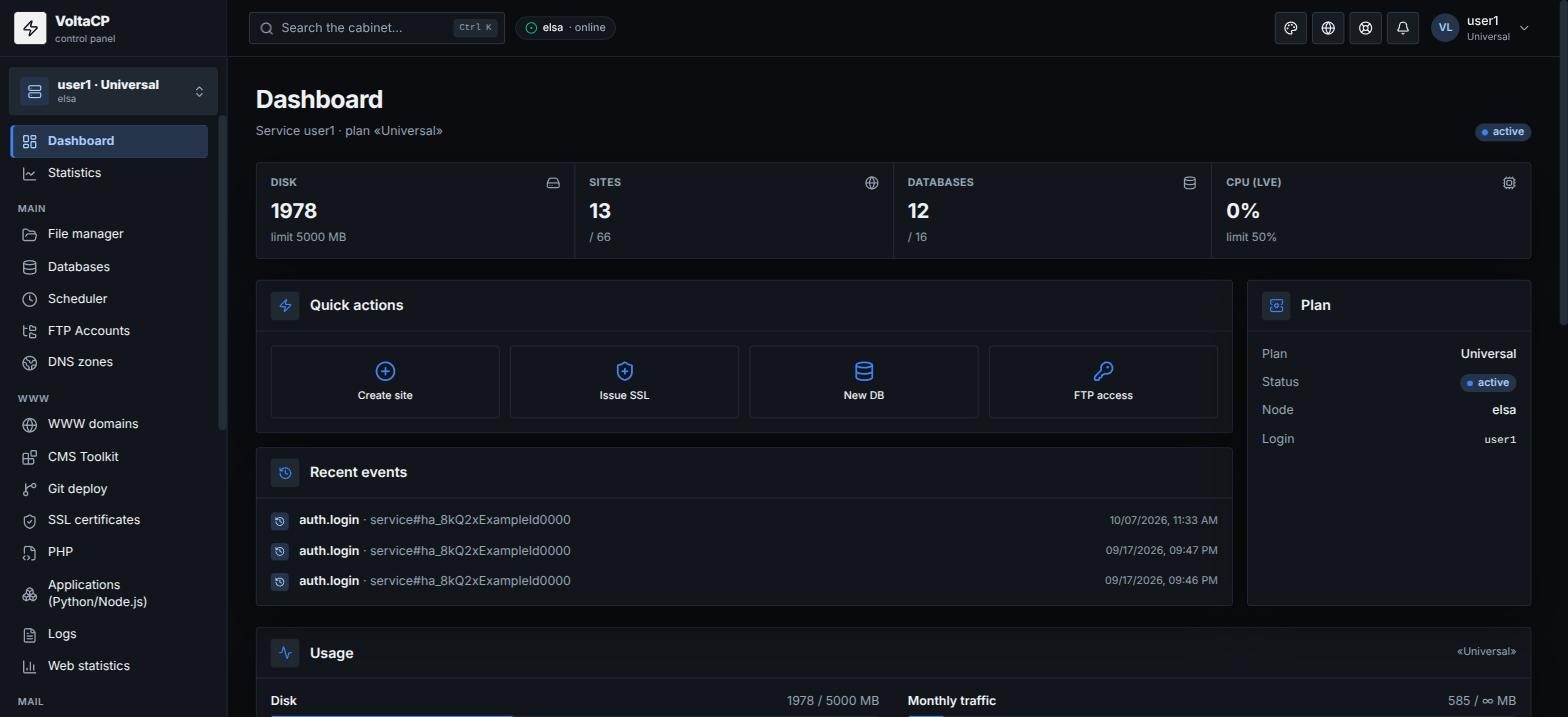
The new limits are applied in the control panel automatically. Current limits and usage are shown on the panel "Dashboard" ("Usage" and "Plan limits" blocks).
To cancel add-ons, lower the value and click "Ok".