Shared hosting
How to protect a site directory with a password?
You can close part of your site (for example /admin) with a login and password (Basic Auth).
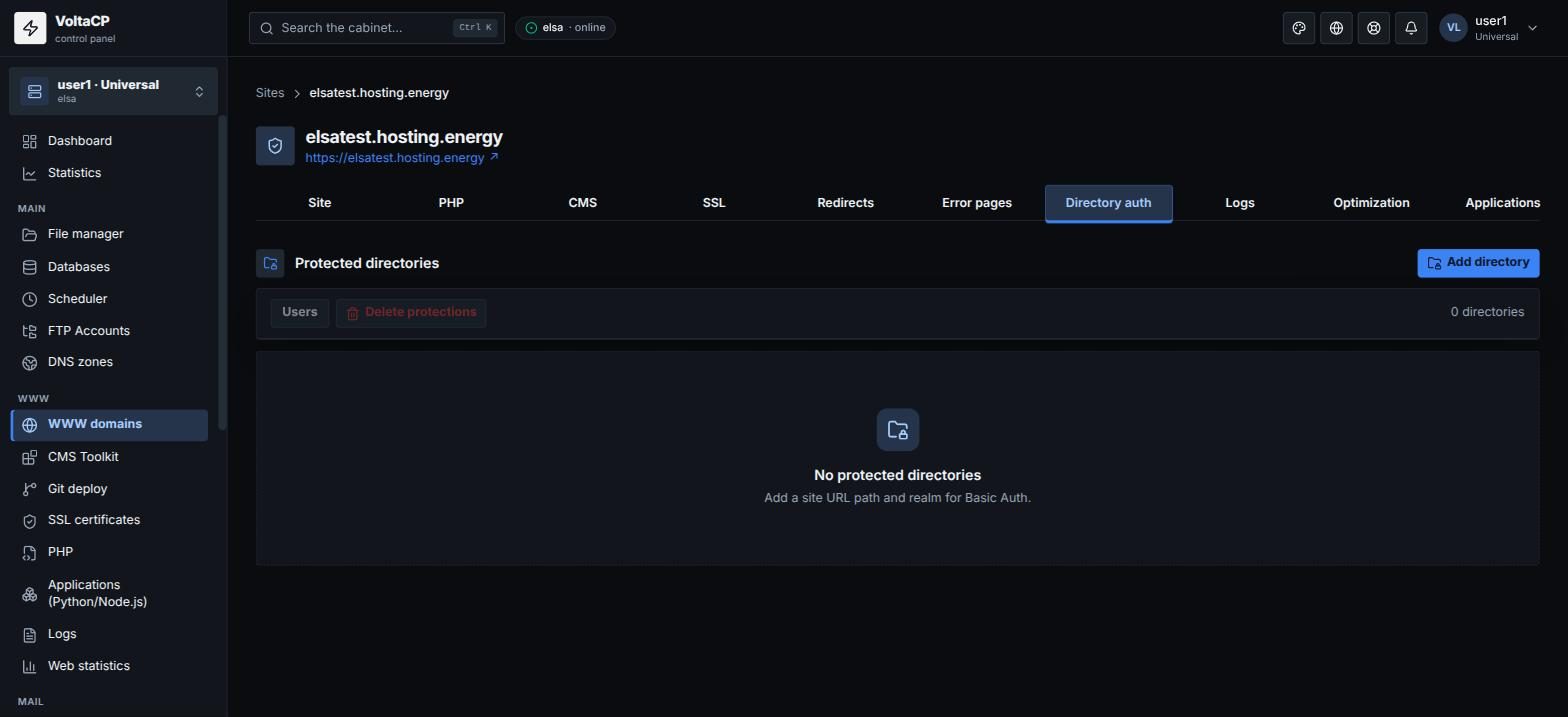
- Open "WWW domains" -> your site -> the "Directory auth" tab.
- Click "Add directory", enter the path on the site (for example
/admin) and the realm: the text the browser shows in the login window. - Save and open the protection you created (the "Users" action).
- Click "Add user" and set a name and password.
After that, the browser asks for a login and password when someone opens the directory.
Without at least one user, nobody can get into the protected directory. You can change a user's password with the "Reset password" action.