Shared hosting
How to connect via SSH
SSH lets you work with your hosting from the command line. The connection details are shown in the panel: "Settings" -> "SSH access".
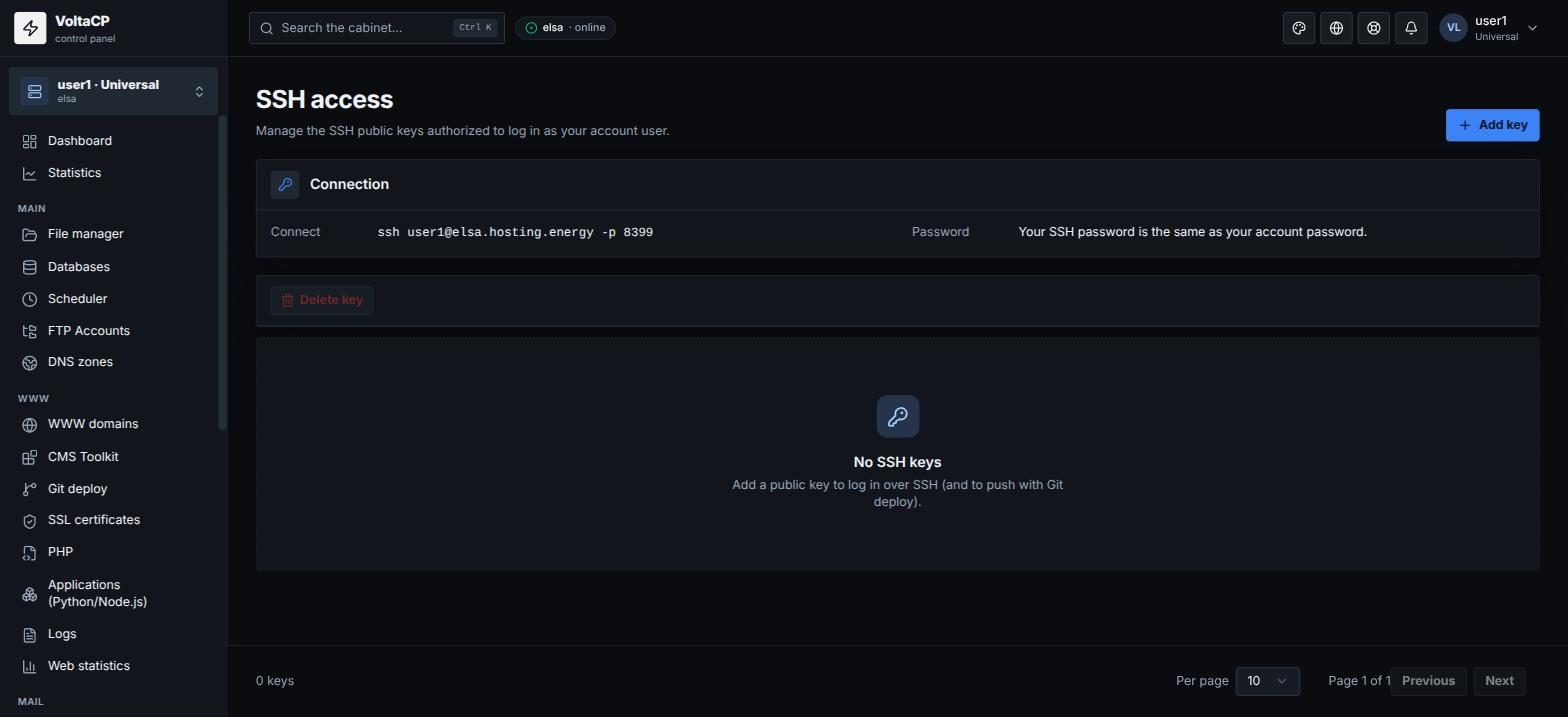
- Host:
elsa.hosting.energy - Port:
8399 - Login: your hosting account login
- Password: your hosting account password (the same as for the panel)
Example:
ssh LOGIN@elsa.hosting.energy -p 8399
Log in with an SSH key
To log in with a key instead of a password, add your public key in the panel:
- Open "Settings" -> "SSH access".
- Click "Add key", enter a "Label" and paste the "Public key" (the contents of
~/.ssh/id_ed25519.puborid_rsa.pub). - Save.
Keys are also used for push in "Git deploy".
What is available
Commands run as your account, without server administrator rights.
Several failed login attempts in a row temporarily block your IP.
To run a short command without an SSH client, use the panel: "Tools" -> "Run a command".