Shared hosting
How to install Composer?
Composer is installed into your site directory over SSH with a few commands.
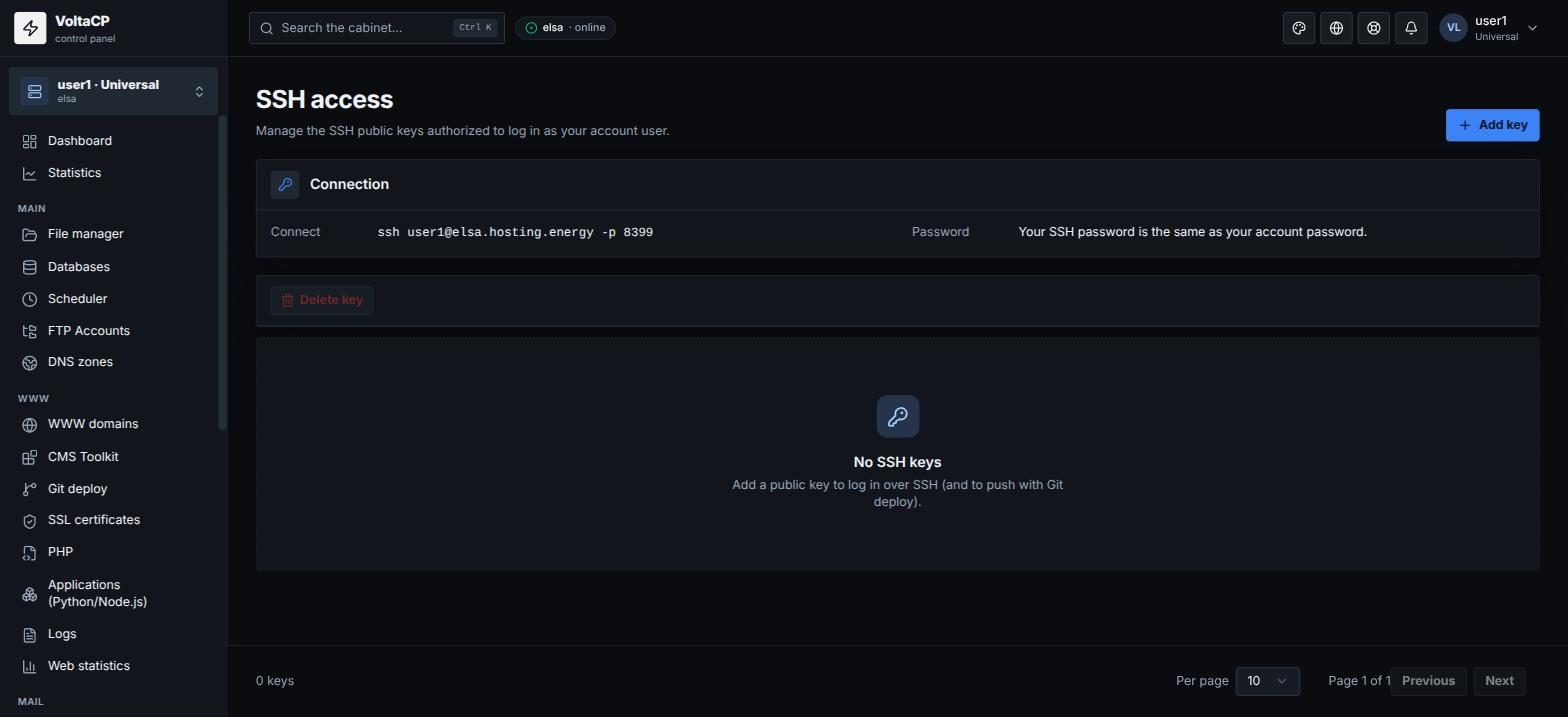
- Connect to your hosting account via SSH (host
elsa.hosting.energy, port8399, hosting account login and password, see "How to connect via SSH"). - Go to the directory you need, for example
cd www/example.com. - Download and install Composer:
EXPECTED_SIGNATURE=$(wget -q -O - https://composer.github.io/installer.sig)
php -r "copy('https://getcomposer.org/installer', 'composer-setup.php');"
ACTUAL_SIGNATURE=$(php -r "echo hash_file('sha384', 'composer-setup.php');")
if [ "$EXPECTED_SIGNATURE" != "$ACTUAL_SIGNATURE" ]; then echo 'ERROR: Invalid installer signature'; rm composer-setup.php; exit 1; fi
php composer-setup.php --quiet
rm composer-setup.php
The script checks the installer signature and stops the installation if it does not match.
- Check the installation:
php composer.phar --version
If the command prints the Composer version, the installation was successful.
If your site runs on another PHP version
The php command runs the account's default PHP version. If your site runs on another version, run Composer with that version, for example:
/opt/alt/php82/usr/bin/php composer.phar install