Shared hosting
Service settings: email, language, password
The service email, language and password are changed in "Settings" -> "Service settings".
How to change the password
- Open "Settings" -> "Service settings".
- In the "Change password" block, enter the "Current password", "New password" and "Confirm new password".
- Click "Change password".
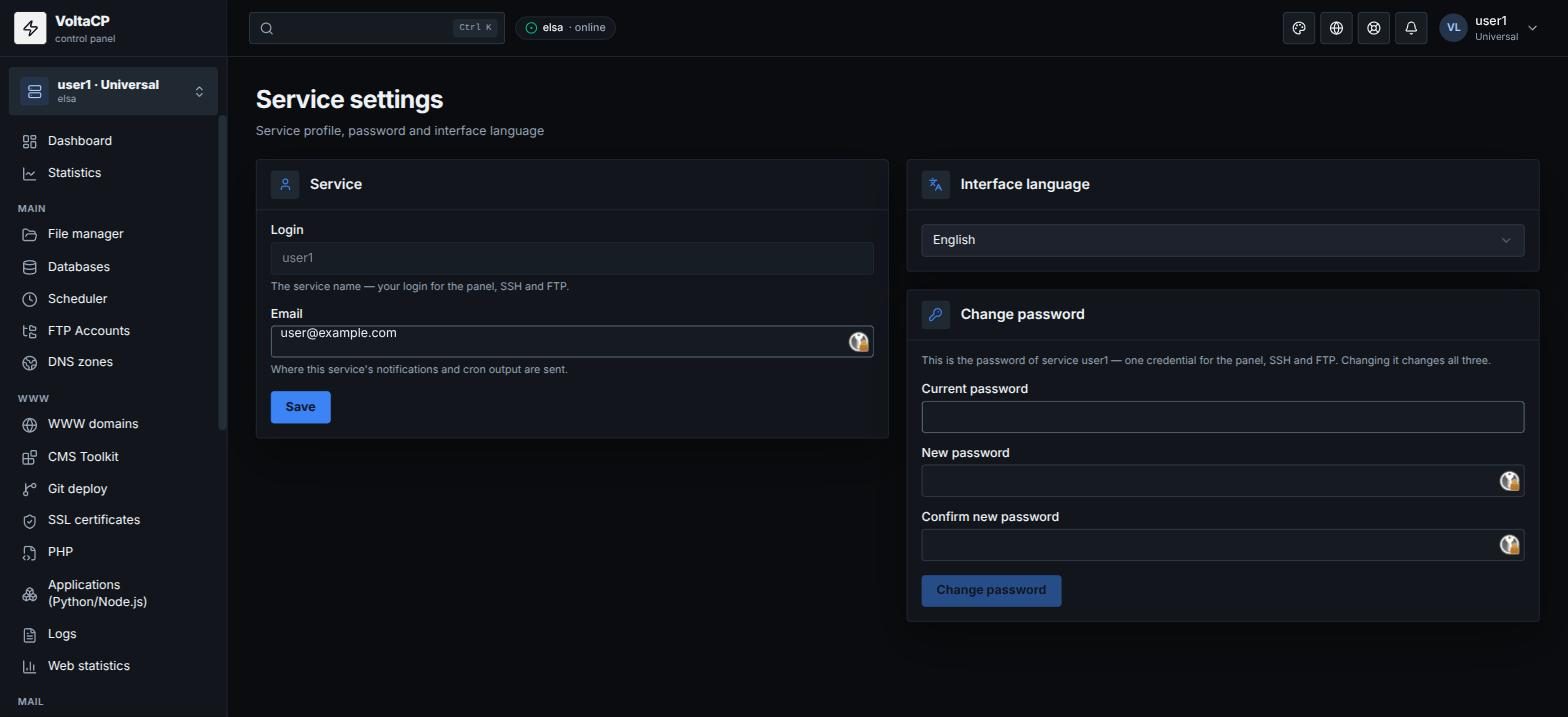
The service has one password for the panel, SSH and SFTP. Changing it changes all three.
Email for notifications
On the same page, the "Email" field sets the address for service notifications and cron job output.
Login and language
"Login" is the service name. It is your login for the panel, SSH and SFTP. The panel language is set in the "Interface language" field.