Shared hosting
Error 503 Service Temporarily Unavailable and 508
Below are the common causes of errors 503 and 508 and what to check in each case.
Error 503
First check that the site is on: "WWW domains" -> site -> the "Site enabled" switch. A disabled site returns 503. If the site was disabled by an administrator, contact support. Sites of a suspended service also return 503: check your balance in the billing panel.
Error 508 Resource Limit Is Reached
Each account has a limited number of PHP requests that can run at the same time (the "Entry processes" limit on the "Dashboard"). When requests run too long or there are too many of them, new requests get error 508.
Common causes and what to do about them:
- Too many requests to the server: a page loads many separate files, the site has elements that often send AJAX requests (chats, counters), bots or an attack.
- "Heavy" or broken CMS plugins and modules. Turn them off one by one and find the slowest ones.
- Slow database queries. Use caching plugins, optimize queries, add indexes.
- Serving large files through PHP. Serve large static files directly.
- Including parts of the site by URL (
include('http://...')) or waiting for slow external sites. Use local paths and timeouts. - Mailings sent from site scripts. Run them with the "Scheduler" at low-load hours.
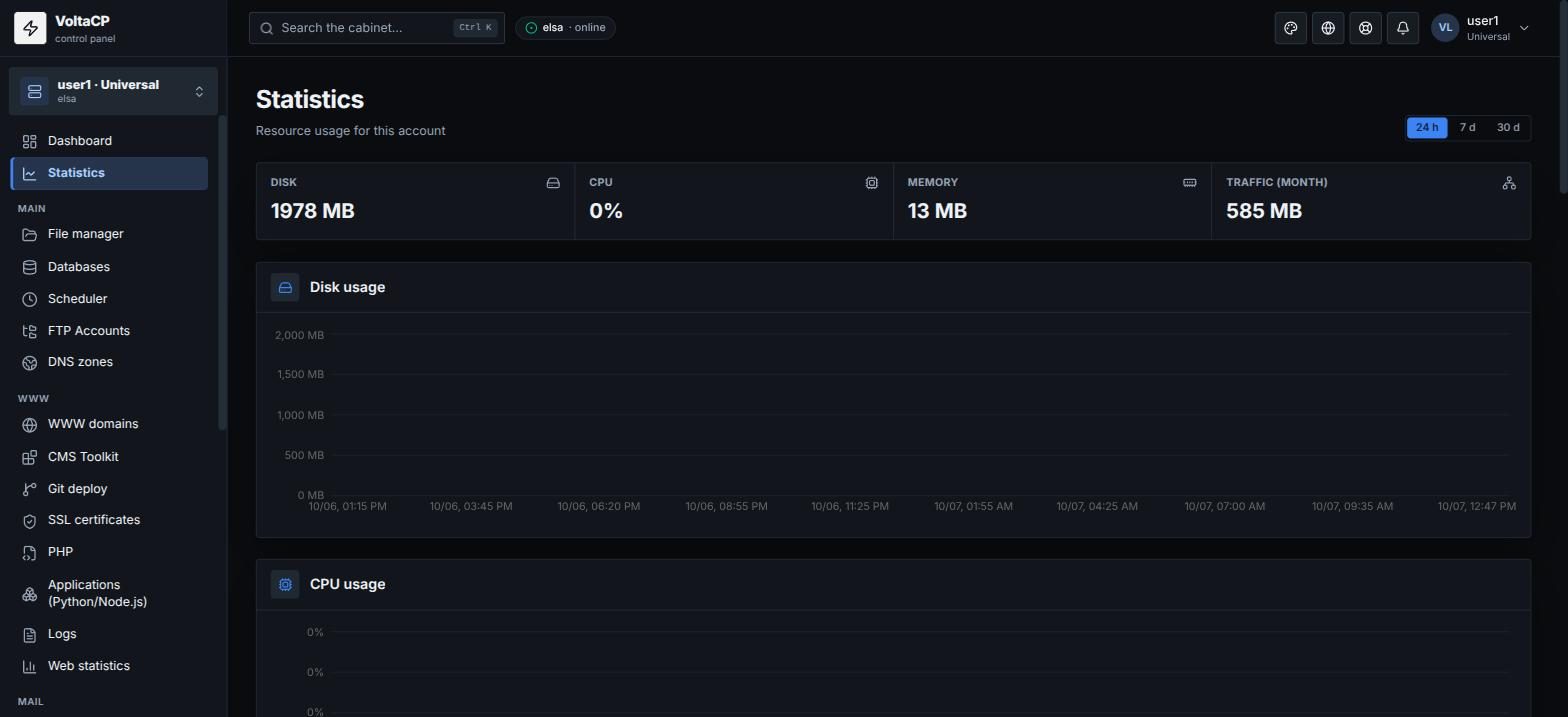
You can see the account load in "Statistics". If optimization does not help, increase your plan resources.