Shared hosting
Redirects and custom error pages
In the site settings, you can redirect visitors from one address to another and show your own page instead of the standard error page.
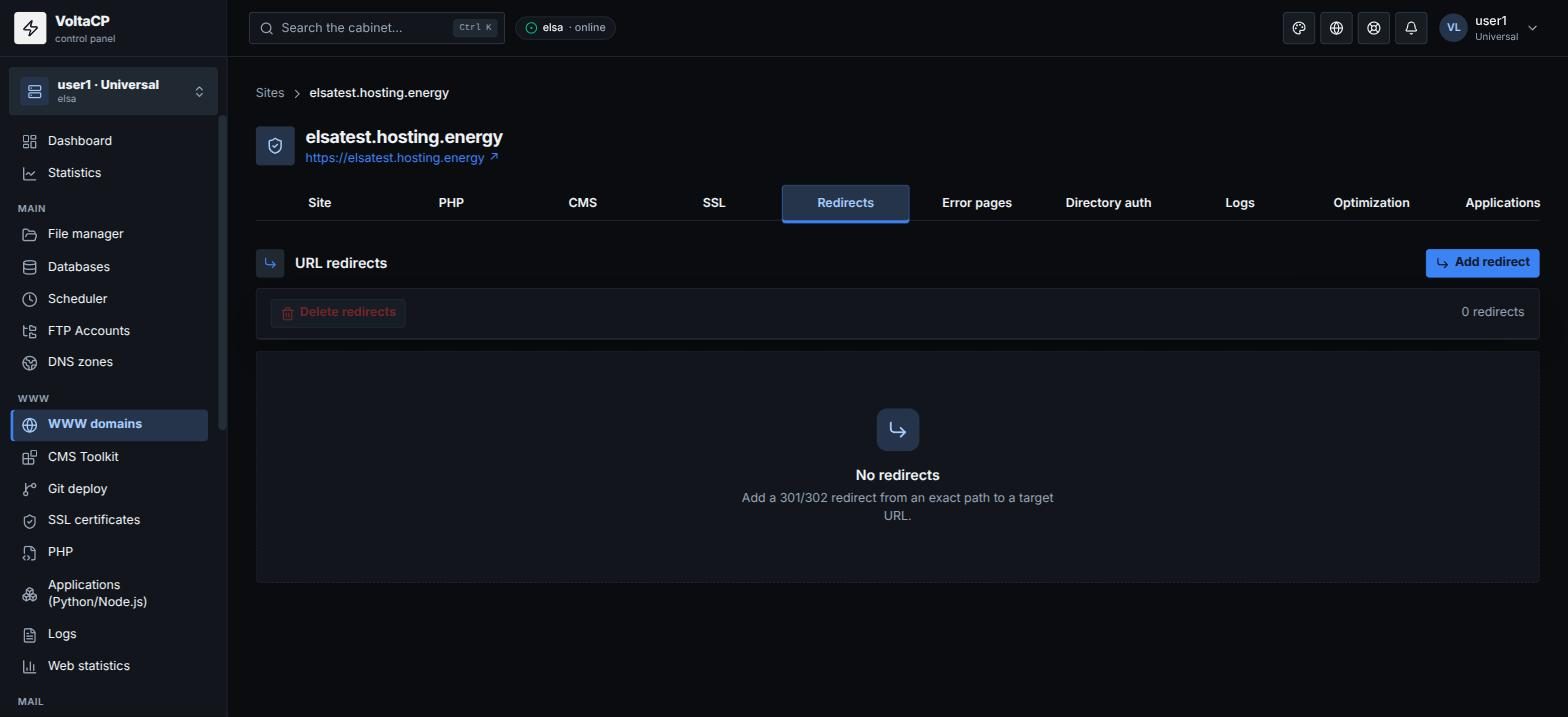
Redirect from one address to another
- Open "WWW domains" -> your site -> the "Redirects" tab.
- Click "Add redirect".
- Enter the "Source" (a path on the site, for example
/old-page), the "Target" (a full URL) and the code: 301 (permanent) or 302 (temporary). - Save.
Redirects from http to https and from www to non-www (and back) are not set here. Use the "Redirect to HTTPS" and "Canonical host (www)" switches on the "Site" tab.
Complex rules (by mask, with parameters) can be written in the site's .htaccess file.
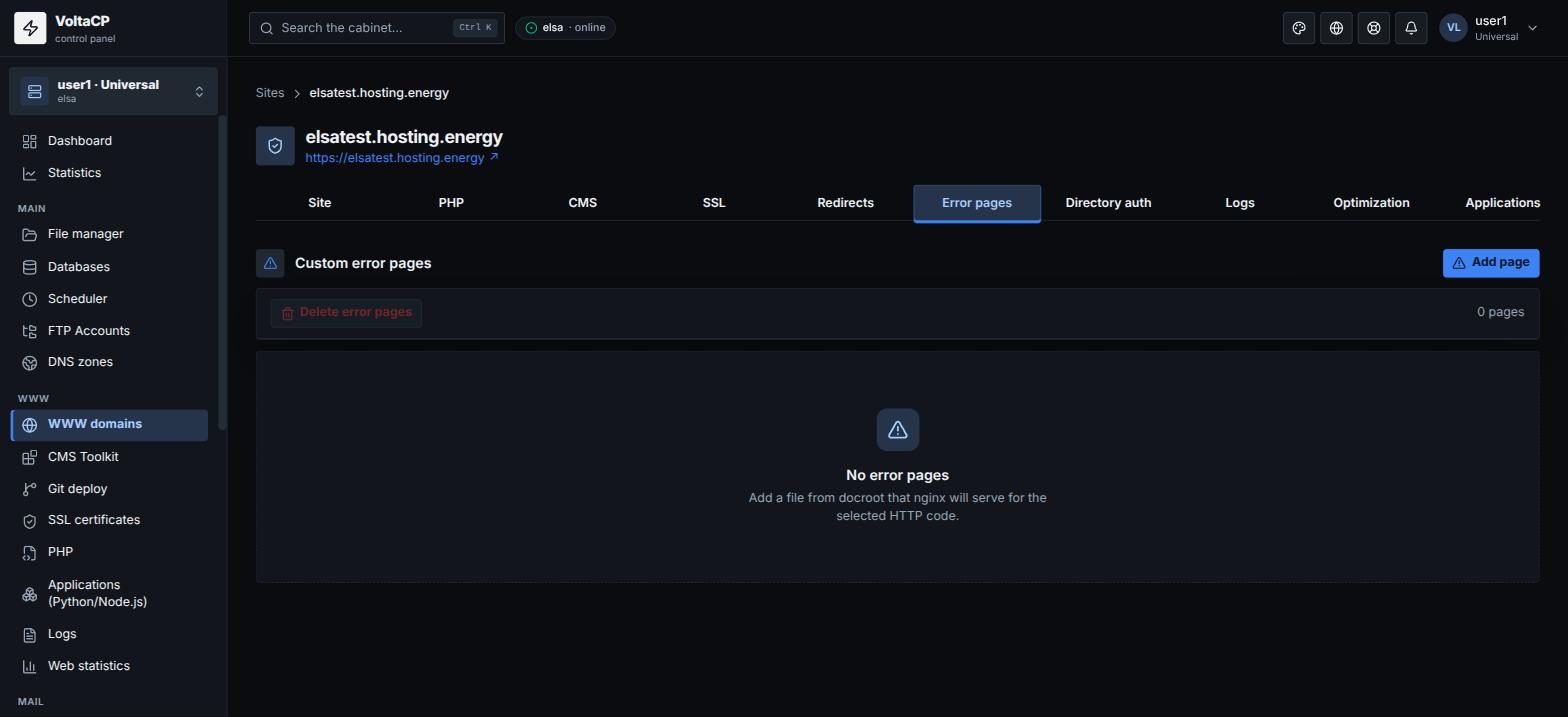
Custom error page
- Upload the page file (for example
404.html) to the site directory. - Open "WWW domains" -> your site -> the "Error pages" tab.
- Click "Add page", select the error code and enter the document.
- Save.