Shared hosting
How much space do my sites use on the server?
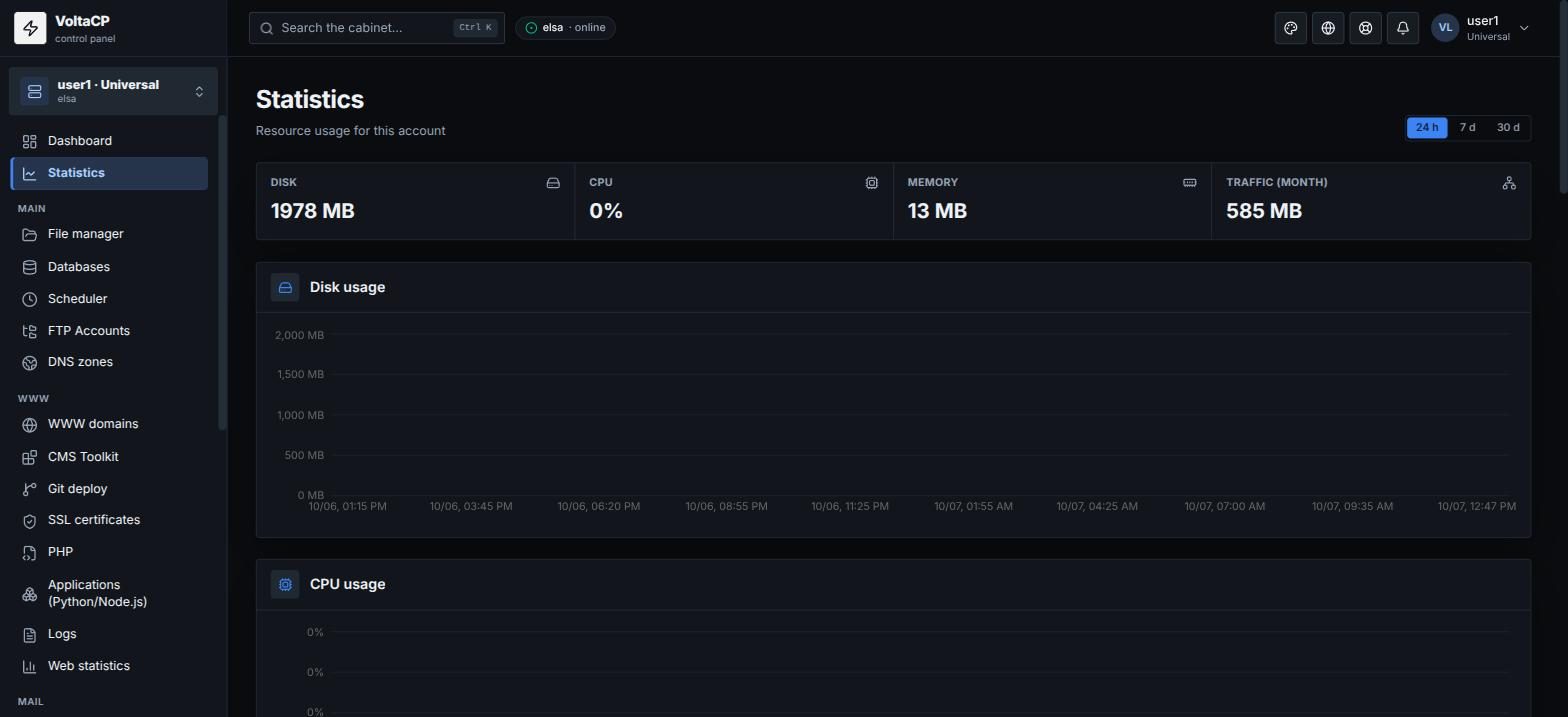
Disk usage is shown on the "Dashboard": the "Usage" block, the "Disk" line (used / plan limit). The same block shows database size, file count and other limits. Resource usage charts are in "Statistics".
To get the size of a single folder, open the "File manager", select the folder and click "Size".
What counts toward disk usage
- account files (sites, logs, uploads, CMS cache);
- mail;
- databases.
What usually takes up space
If the disk fills up faster than expected, the cause is usually one of these:
- site logs - clear them in "Logs" or set up "Rotation"; do not delete log files by hand;
- CMS cache and logs (for example
wp-content/cache,storage/logsin Laravel); - old archives and backups inside the account.
If you run out of space, increase the disk in billing (see "How to buy extra IPs, domains, databases, disk space or memory?").