Shared hosting
Problems with the CAPTCHA protecting the admin panel
The CAPTCHA in CMS admin panels relies on PHP sessions. If the CAPTCHA characters do not show or the login is not accepted, check the likely causes in this order:
- The disk is full. New files, including session files, cannot be created. Check "Disk" on the "Dashboard", free up space or increase the disk in billing.
- The system directory
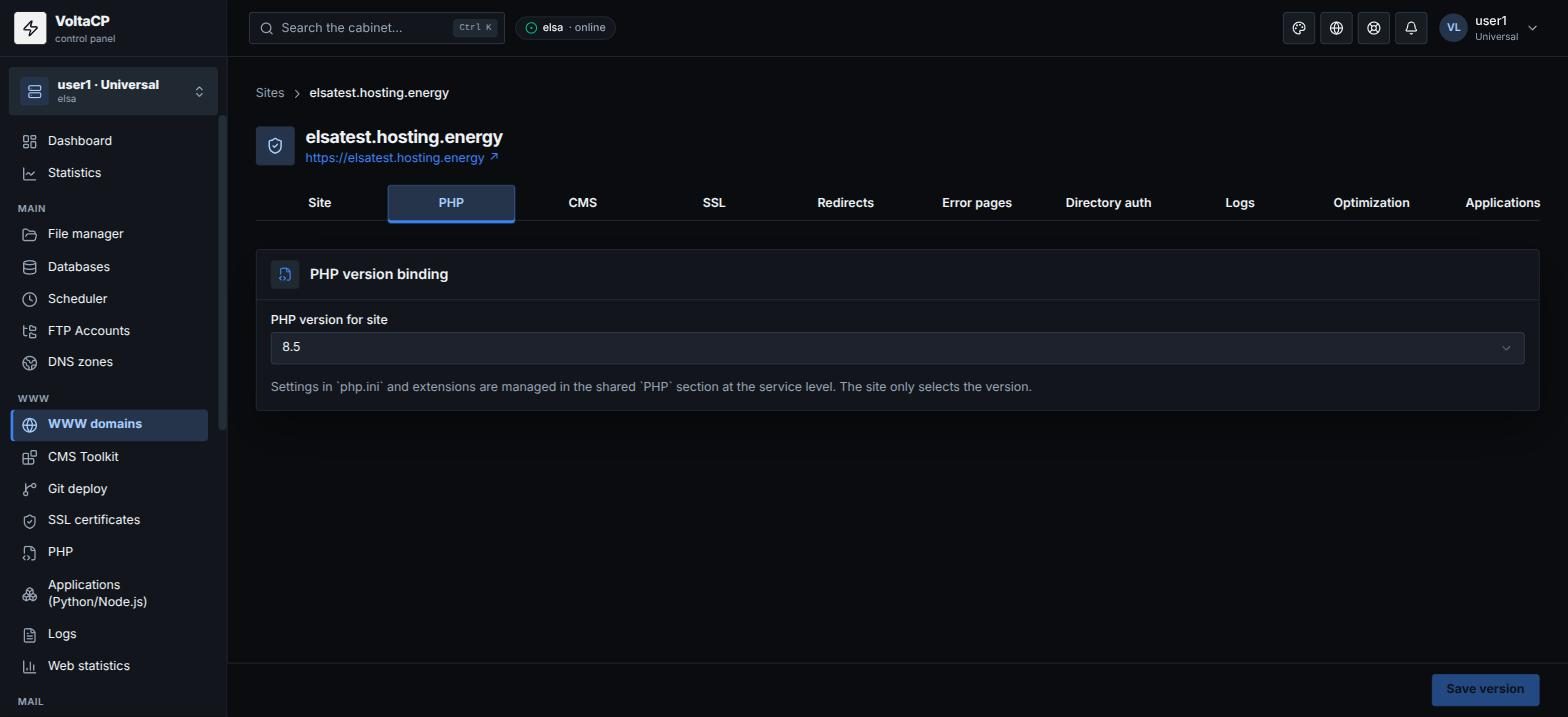
mod-tmpin the account root, where sessions are stored, was deleted. Create themod-tmpdirectory in your home directory in the "File manager". - The site is set to "No PHP (static site)". Choose a PHP version: "WWW domains" -> site -> the "PHP" tab.
If the problem remains, contact technical support.